Biometric credentials​

Digital access for modern GCC environments.

Biometric access gives organisations a direct way to connect identity with entry. IDCUBE integrates fingerprint, facial recognition, contactless fingerprint, and other supported biometric technologies with Access360 across offices, commercial properties, campuses, and controlled environments. Users authenticate at compatible biometric devices, with access governed by their assigned permissions.

This creates a unified approach to biometric access control. Administrators can centrally manage identities, access rights, biometric integrations, and access events across supported facilities while using the biometric technology that best fits each access environment.

Why biometric credentials?

Biometric credentials provide a direct way to connect a verified user identity with access permissions. They can reduce dependence on transferable credentials while supporting cardless and touchless access experiences across compatible biometric technologies.

  • Identity-Based Access: Authenticate authorised users through enrolled biometric characteristics.
  • Stronger Identity Verification: Reduce dependence on physical cards and PINs for identity confirmation.
  • Convenient Authentication: Enable users to authenticate directly at compatible biometric devices.
  • Touchless Access Options: Support facial recognition and contactless fingerprint for environments where touch-free entry is preferred.

Biometric technologies for access control

Biometric access control software for enterprises

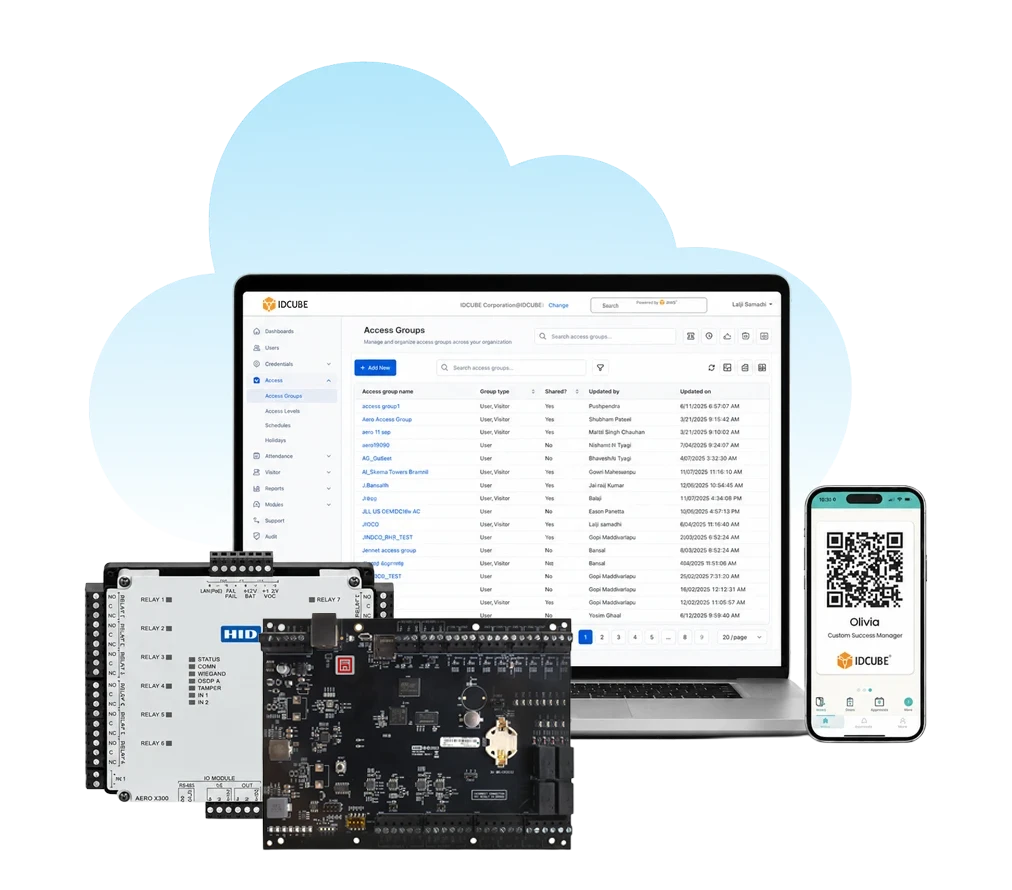
Manage supported biometric access across offices, commercial properties, campuses, and controlled facilities through the Access360 deployment model that fits your infrastructure.

  • SaaS cloud deployment
  • Centralised multi-site management
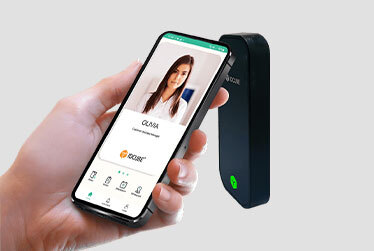
  • Mobile credential support
  • Remote web and mobile administration
Know more about Access360.AI Software
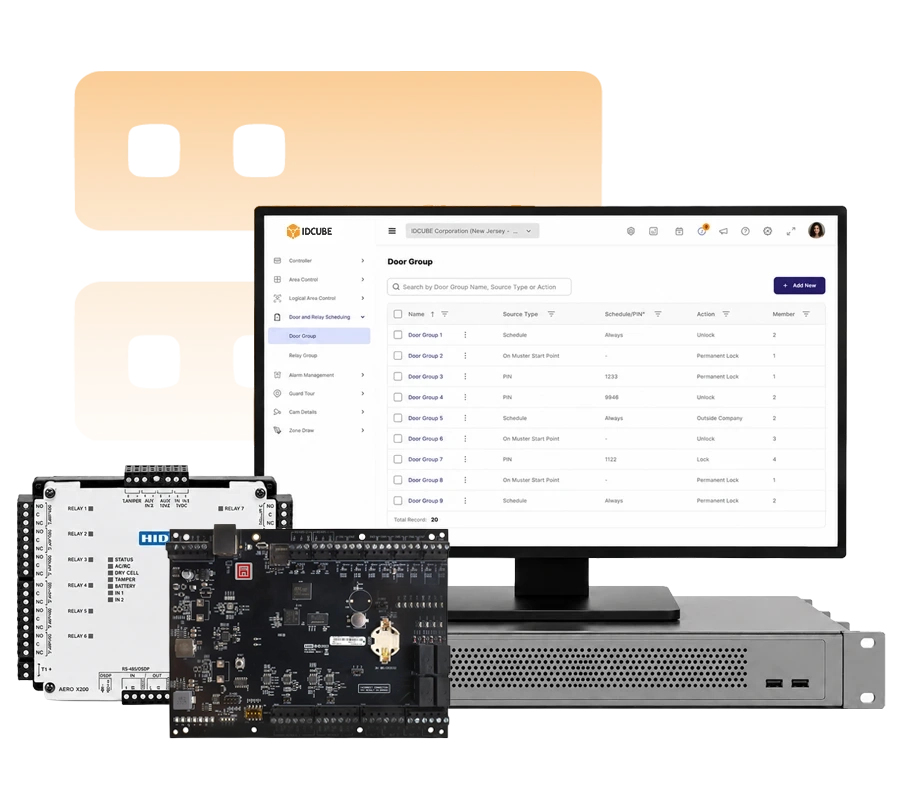
Run biometric access within on-premises or private-cloud infrastructure while keeping access data and system control within your chosen environment.


  • Unified credential lifecycle
  • Centralised access rights
  • Customer-controlled infrastructure
  • Enterprise integrations
Know more about Access360 Helix Software

Need help choosing the right solution?​

Tell us about your facilities, users, readers, and access requirements. Our team can help you plan the right biometric access control approach across offices, commercial properties, campuses, and controlled environments.

    Biometric access at a glance

    Biometric Technology Typical User Interaction Touchless Access Experience Key Deployment Consideration
    Fingerprint recognition Place an enrolled finger on the sensor No Direct and familiar biometric authentication Finger condition, capture quality, and sensor condition can influence authentication performance
    Contactless fingerprint Present or move the hand through the reader’s capture area Yes Touch-free authentication designed for convenient, high-throughput access Requires a compatible contactless fingerprint reader and correct hand presentation
    Facial recognition Present the face within the reader’s field of view Yes Contactless authentication with minimal user interaction Reader placement, lighting conditions, enrolment quality, and available presentation-attack detection should be considered
    Iris recognition Position the eyes within the reader’s supported capture range Yes Contactless authentication with guided positioning where required Working distance and user positioning vary by device and should follow the reader’s operating requirements
    Vein recognition Present a finger, hand, or palm to the biometric sensor, depending on the technology Depends on device Authentication based on vascular patterns beneath the skin User interaction, capture distance, and contact/contactless operation depend on the specific vein-recognition technology
    Not sure which credential is right for your facility?

    From biometric identity to access

    Biometric access links an enrolled user identity with defined access permissions. At the access point, the user presents their biometric at a compatible device. Once the identity is verified, the access control system checks the applicable access rules before allowing or denying.
    1
    User Plus Icon

    Enrol the user

    Capture the required biometric characteristics, create the biometric template, and associate it with the user’s identity.

    2
    User Plus Icon

    Present the biometric

    The user presents their fingerprint, face, iris, or other supported biometric at a compatible biometric device.

    3
    User Plus Icon

    Verify the identity

    The biometric system compares the presented biometric with the enrolled template and determines whether it meets the configured matching criteria.

    4
    User Plus Icon

    Apply access rules

    The access control system applies the user’s assigned door, zone, and schedule permissions, then grants or denies access and records the event.

    Benefits

    Stronger Identity Assurance

    Connect access with an enrolled biometric identity for more direct verification of authorised users.

    Reduced Credential
    Risk

    Reduce reliance on transferable cards or PINs for identity verification at controlled access points.

    Convenient Cardless Access

    Give users direct biometric authentication without requiring a separate physical credential, with touchless options where supported.

    Centralized Management

    Manage supported biometric identities and access permissions across facilities through Access360.

    Real-Time Visibility

    Monitor access events across connected locations for operational visibility, reporting, and audit.

    Scalable Security

    Expand biometric access across supported facilities while keeping identities and access policies centrally managed.

    Trusted by top leading industries

    G2
    What do you like best about Access360? Its intuitive and user-friendly interface combined with its comprehensive feature set. The clear separation between security configurations and HRMS-driven workflows makes administration well organized. What do you dislike about Access360? The platform is easy to use overall, but some of the advanced settings can take a little time to understand for new users. Adding more guided tutorials and in-app help would make the experience even better. Recommendations to others considering Access360: I would recommend Access360 to any organization looking for an easy-to-use access management solution. It combines access control, visitor management, identity management in one platform, attendance management making daily operations simpler. What problems is Access360 solving and how is that benefiting you? Access360 has helped streamline our physical access control and identity management processes by providing a centralized platform for managing users, credentials, visitors, and access policies along with Attendance Management systems.
    Verified User in Information Technology and Services
    Information Technology
    ★ ★ ★ ★
    G2
    What do you like best about Access360? One platform Hrview software Nice platform to work What do you dislike about Access360? Sone time it will take the time to up due to technical issues Recommendations to others considering Access360: It is very vast software What problems is Access360 solving and how is that benefiting you? Arrange the best in time product service support
    Kiran M.
    Security Manager
    ★ ★ ★ ★ ★

    Connect with our MEA team

    Looking to evaluate biometric access across commercial properties, campuses, or controlled facilities in GCC region?