




 Middle East & Africa
Middle East & Africa
Middle East & Africa














Safer Access
Use MIFARE DESFire EV3 where stronger credential protection is required. AES-128 cryptography, mutual authentication, secure messaging, and encrypted RF communication support security-focused access environments with compatible readers and system configurations.

Investment Protection
Continue using compatible MIFARE Classic readers and credentials where they remain operationally suitable, while planning migration toward newer technology. NXP currently positions MIFARE Classic for existing environments rather than new designs.

Easier Entry
Keep routine access straightforward with a familiar contactless credential experience. Cardholders present a compatible MIFARE credential at the reader without additional manual steps.

More Card Value
Consolidate approved applications onto one MIFARE DESFire EV3 credential where the deployment supports it. Its multi-application architecture gives organizations more flexibility from a single physical card.

Smoother Modernisation
Plan technology upgrades around the pace of each facility. Reader compatibility, security priorities, and operational needs can guide a phased move from established MIFARE infrastructure to newer credential technology.

Simpler Administration
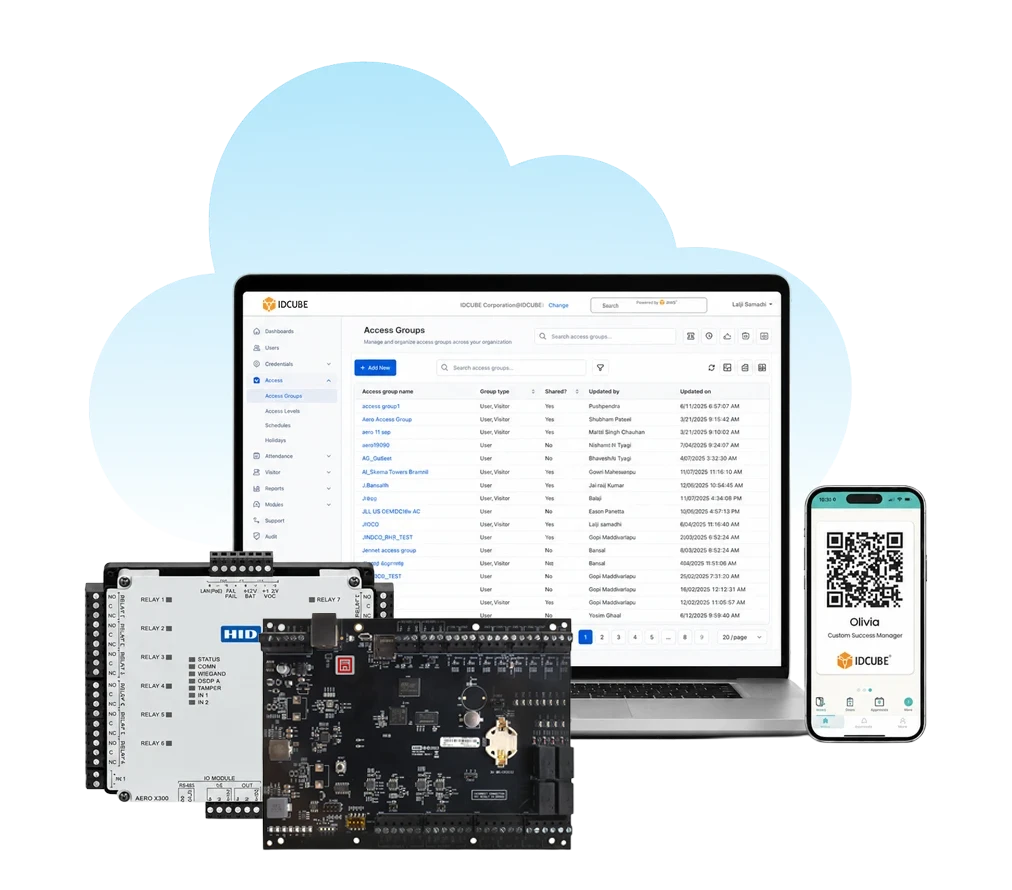
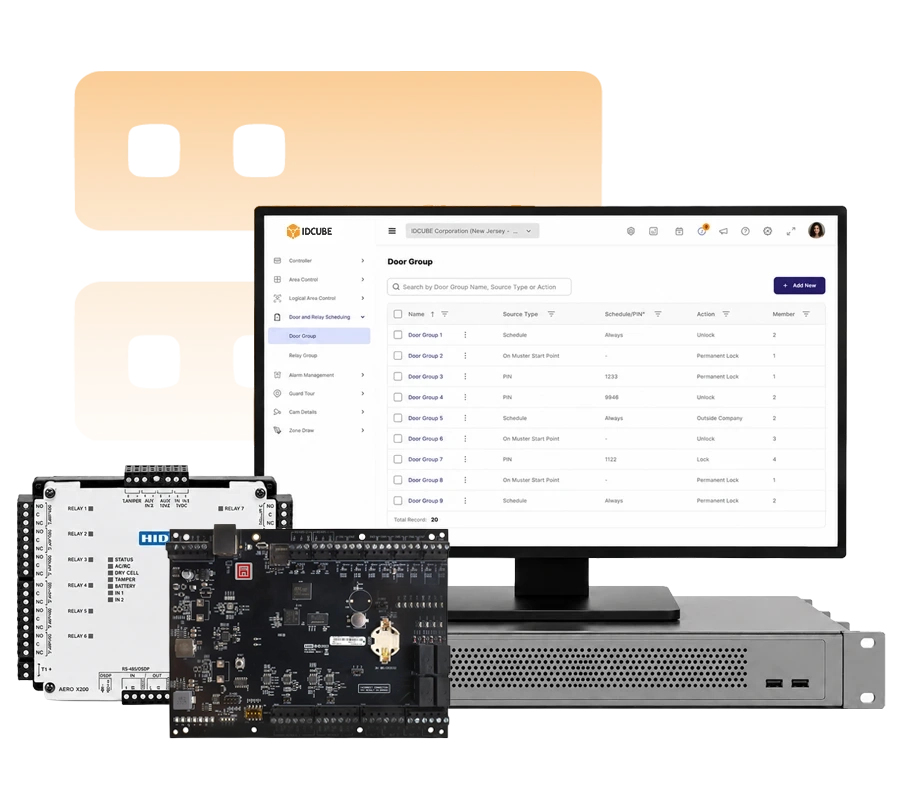
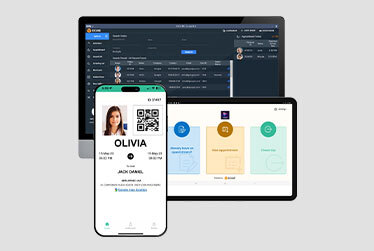
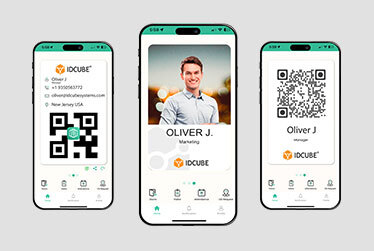
Manage supported MIFARE credentials as part of each user’s access profile in Access360, keeping identities, credentials, and assigned permissions within a central access-control environment.
Trusted by top leading industries









What do you like best about Access360?
Its intuitive and user-friendly interface combined with its comprehensive feature set. The clear separation between security configurations and HRMS-driven workflows makes administration well organized.
What do you dislike about Access360?
The platform is easy to use overall, but some of the advanced settings can take a little time to understand for new users. Adding more guided tutorials and in-app help would make the experience even better.
Recommendations to others considering Access360:
I would recommend Access360 to any organization looking for an easy-to-use access management solution. It combines access control, visitor management, identity management in one platform, attendance management making daily operations simpler.
What problems is Access360 solving and how is that benefiting you?
Access360 has helped streamline our physical access control and identity management processes by providing a centralized platform for managing users, credentials, visitors, and access policies along with Attendance Management systems.
Verified User in Information Technology and Services
Information Technology
★ ★ ★ ★

What do you like best about Access360?
One platform Hrview software
Nice platform to work
What do you dislike about Access360?
Sone time it will take the time to up due to technical issues
Recommendations to others considering Access360:
It is very vast software
What problems is Access360 solving and how is that benefiting you?
Arrange the best in time product service support
Kiran M.
Security Manager
★ ★ ★ ★ ★
Access your download instantly
Fill out the form below to download the file
Error: Contact form not found.

Access your download instantly
Fill out the form below to download the brochure
Error: Contact form not found.