




 United States (US)
United States (US)
United States (US)













1

Enrol the user
Capture the required biometric characteristics, create the biometric template, and associate it with the user’s identity.
2

Present the biometric
The user presents their fingerprint, face, iris, or other supported biometric at a compatible biometric device.
3

Verify the identity
The biometric system compares the presented biometric with the enrolled template and determines whether it meets the configured matching criteria.
4

Apply access rules
The access control system applies the user’s assigned door, zone, and schedule permissions, then grants or denies access and records the event.

Stronger Identity Assurance
Link access to an enrolled biometric identity, helping verify that the person requesting entry is the authorized user.

Reduced Credential
Risk
Reduce dependence on badges or PINs that can be lost, forgotten, stolen, or shared.

Convenient Cardless Access
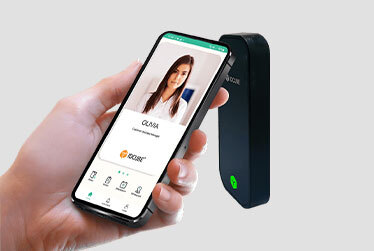
Allow users to authenticate without presenting a separate physical badge. Facial recognition and contactless fingerprint can also support touch-free access.

Centralized Management
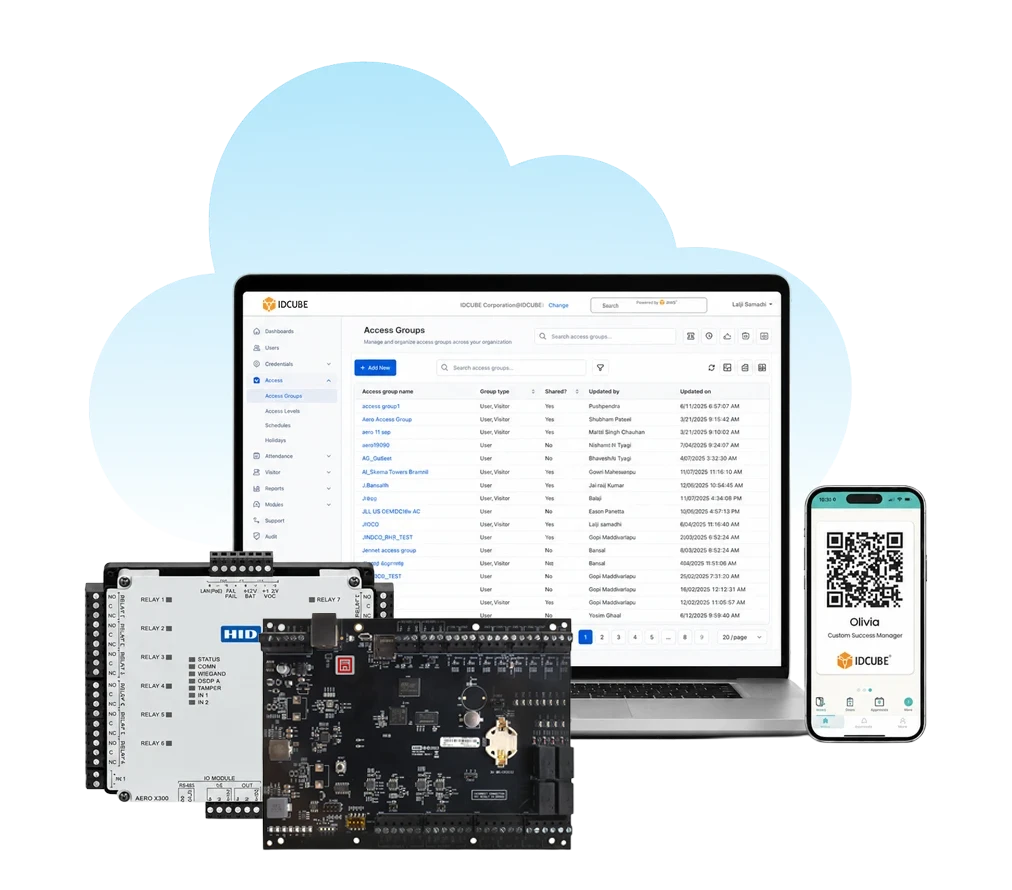
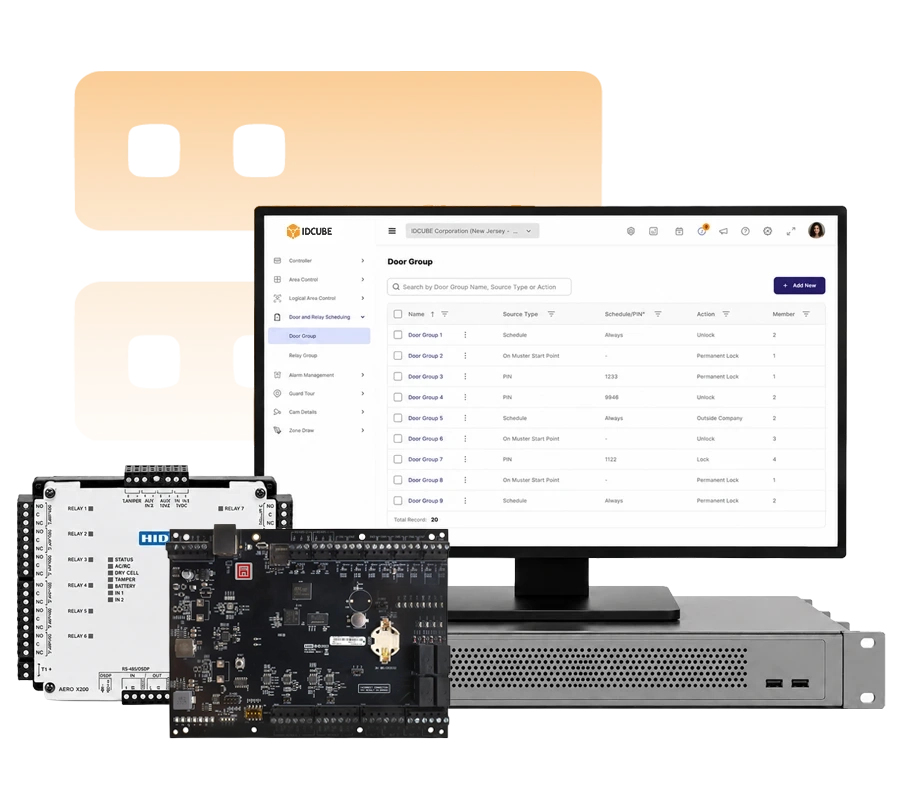
Manage supported biometric identities, access rights, doors, zones, and schedules through Access360.

Real-Time Visibility
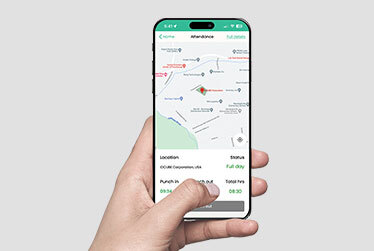
Capture access events for centralized monitoring, reporting, and audit across connected locations.

Scalable Security
Extend biometric access across supported doors, facilities, and sites while maintaining centrally managed identities and permissions.
Trusted by top leading industries









What do you like best about Access360?
Its intuitive and user-friendly interface combined with its comprehensive feature set. The clear separation between security configurations and HRMS-driven workflows makes administration well organized.
What do you dislike about Access360?
The platform is easy to use overall, but some of the advanced settings can take a little time to understand for new users. Adding more guided tutorials and in-app help would make the experience even better.
Recommendations to others considering Access360:
I would recommend Access360 to any organization looking for an easy-to-use access management solution. It combines access control, visitor management, identity management in one platform, attendance management making daily operations simpler.
What problems is Access360 solving and how is that benefiting you?
Access360 has helped streamline our physical access control and identity management processes by providing a centralized platform for managing users, credentials, visitors, and access policies along with Attendance Management systems.
Verified User in Information Technology and Services
Information Technology
★ ★ ★ ★

What do you like best about Access360?
One platform Hrview software
Nice platform to work
What do you dislike about Access360?
Sone time it will take the time to up due to technical issues
Recommendations to others considering Access360:
It is very vast software
What problems is Access360 solving and how is that benefiting you?
Arrange the best in time product service support
Kiran M.
Security Manager
★ ★ ★ ★ ★
Access your download instantly
Fill out the form below to download the file
Error: Contact form not found.

Access your download instantly
Fill out the form below to download the brochure
Error: Contact form not found.