Mobile credentials​​

Digital access for modern environments: broader positioning suited to commercial properties, enterprises, campuses, hospitality environments, and multi-site operations across United States

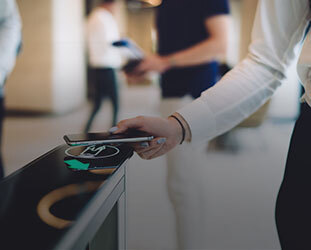
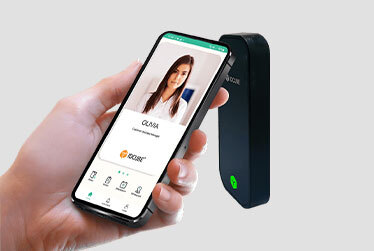
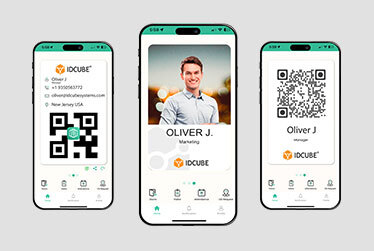
IDCUBE enables mobile credentials for access control through BLE, NFC, Apple Wallet, Google Wallet, and QRify Dynamic QR. Employees, contractors, and other authorized users can access compatible doors with supported smartphones, reducing the need to distribute and manage a physical card for every user.

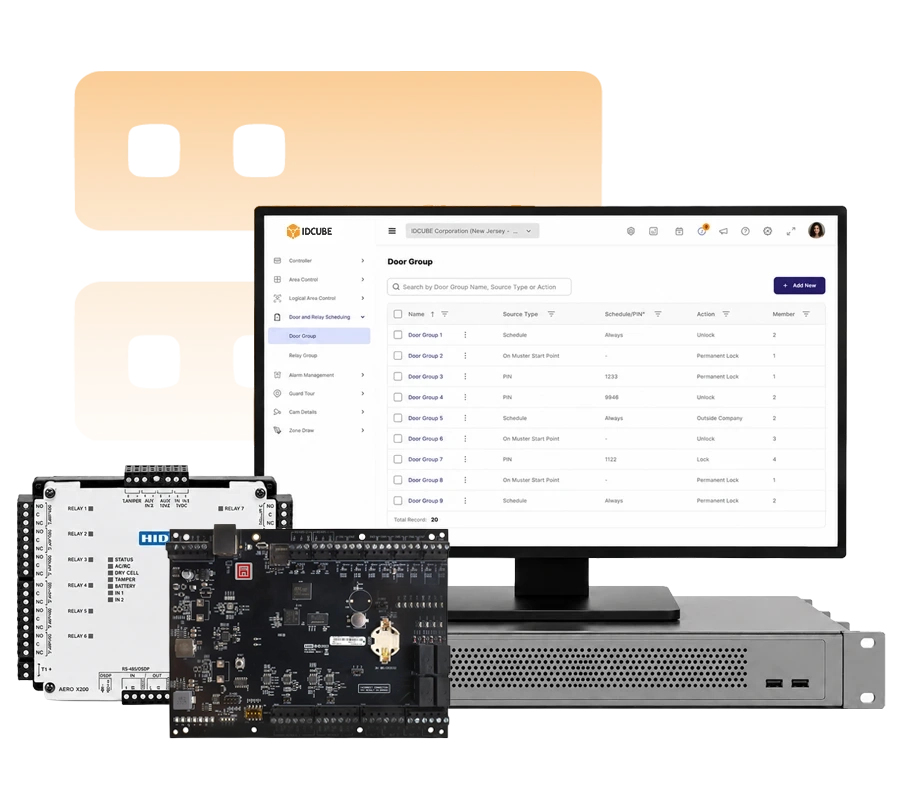
These mobile access control credentials connect each user’s digital identity with defined access rights in Access360. Administrators can issue, update, suspend, or revoke supported credentials digitally as access needs change. This simplifies credential administration across corporate offices and distributed workplaces while keeping identity and access permissions centrally managed.

BLE/NFC Seos mobile credentials

Use supported smartphones as access credentials through BLE or NFC at compatible readers. Seos-based mobile credentials give organizations another option alongside traditional physical badges.

Apple/Google wallet credentials​

Provision supported credentials into Apple Wallet or Google Wallet for tap-based access at compatible NFC readers. Users can enter authorized areas using a smartphone they already carry.

Dynamic QR code

QRify is IDCUBE’s Dynamic QR credential. QRify generates a new encrypted QR credential every five seconds for presentation at compatible QR readers. The changing code provides a more controlled alternative to reusable static QR credentials.

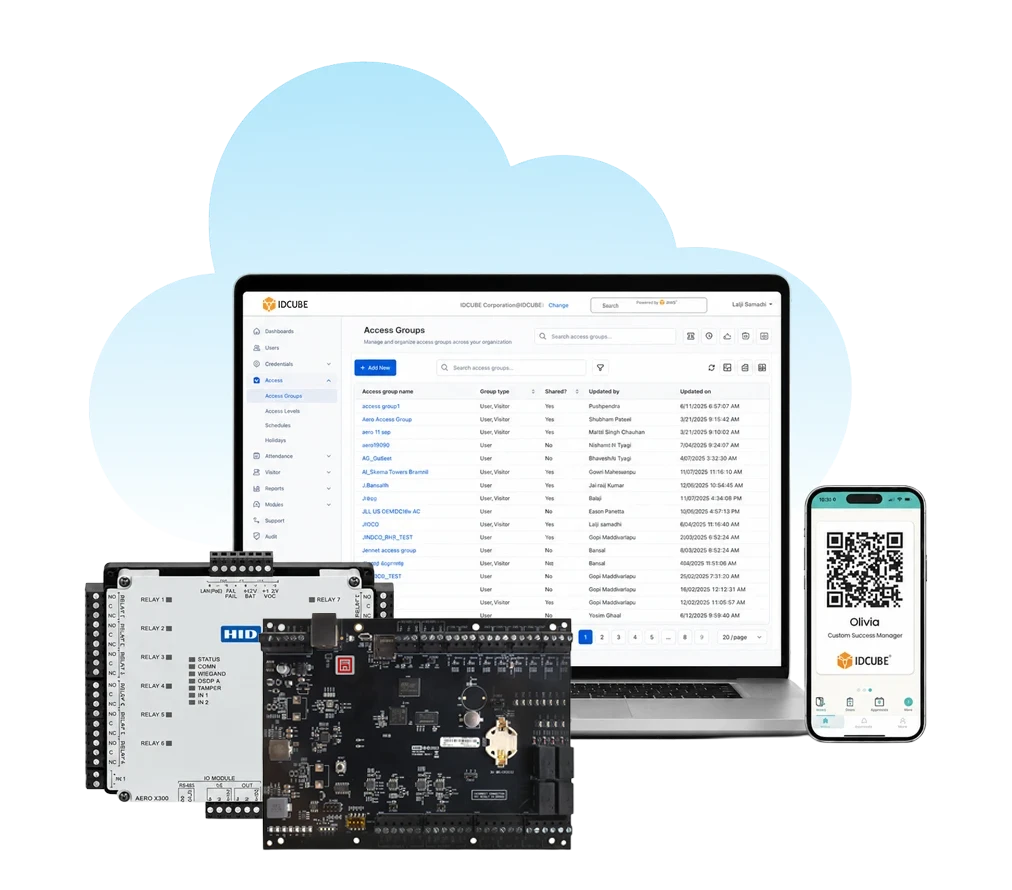
Why choose IDCUBE mobile credentials?

How mobile credentials enable access?

Each mobile credential is linked to a user identity and assigned access permissions in Access360. At the access point, the user presents the credential through BLE, NFC, wallet, or Dynamic QR. A compatible reader captures the credential, and the access control system evaluates the configured permissions before granting or denying entry.
01

Enrol the user

Create or synchronise the user identity and assign the required access profile.

02

Issue the
credential

Provision the selected mobile credential to the supported smartphone, app, or wallet.

03

Present for
access

The user presents the credential through BLE, NFC/wallet, or Dynamic QR at a compatible reader.

04

Validate the
credential

The reader captures the credential data and passes it into the access control process for validation.

05

Apply access
rules

Access360 applies the assigned door or zone permissions and schedules. The system then grants or denies access and records the event.

Mobile credential access with Access360

Manage supported mobile credentials, user identities, and authorized access through Access360 across corporate and distributed workplaces. Choose cloud or customer-controlled deployment based on your infrastructure strategy.
Manage mobile credential-based access through a cloud platform with centralized administration across connected locations.

  • SaaS cloud deployment
  • Centralised multi-site management
  • Mobile credential support
  • Remote web and mobile administration
Know more about Access360.AI Software
Deploy mobile credential within on-premises or private-cloud infrastructure to centralized control over identities, credentials, & access permissions.

  • Unified credential lifecycle
  • Centralised access rights
  • Customer-controlled infrastructure
  • Enterprise integrations
Know more about Access360 Helix Software

Need help choosing the right solution?​

Share a few details about your workplace, readers, user groups, and access requirements. Our team can help you evaluate the right mobile credential approach for corporate offices, campuses, and distributed workplaces.

    Mobile credentials for different users

    Employee access

    Give employees smartphone-based access to authorised doors and areas using supported BLE, NFC, wallet, or Dynamic QR credentials. Assign access rights based on role, location, and schedule. Best for: Offices, campuses, enterprise facilities, multi-site workplaces.

    Visitor access

    Provide visitors with digital access without issuing a permanent physical card. GreenID supports visitor workflows and QR-based e-passes for convenient, temporary access. Best for: Corporate offices, commercial buildings, campuses, visitor-heavy facilities.

    Contractor & temporary access

    Issue supported mobile credentials to contractors and temporary users with access limited to approved doors, locations, and schedules. Revoke credentials and permissions when access is no longer required. Best for: Contractors, vendors, service teams, temporary staff.

    Tenant & resident access

    Enable tenants and residents to use supported mobile credentials for everyday access while maintaining identity and access permissions within the Access360 environment. Best for: Commercial properties, co-working spaces, residential communities, multi-tenant facilities.

    Multi-site workforce access

    Assign authorised users access across selected facilities while managing their identity, credentials, and permissions centrally through Access360. Best for: Enterprises with multiple offices, campuses, branches, or distributed facilities.

    Mobile credentials vs physical credentials

    Factor Physical Credentials Mobile Credentials
    User onboarding Typically requires badge preparation and physical handoff Supported credentials can be issued digitally to the user's smartphone
    Lost credential response Lost badges must be disabled and may require physical replacement Supported credentials can be revoked digitally and reissued to a compatible device
    Temporary access Temporary badges require issuance and management Time-bound mobile or Dynamic QR credentials can support temporary access workflows
    Physical handling Requires card stock, storage, personalization, and distribution as applicable Reduces dependence on physical badge production and distribution
    Remote administration Access rights can be managed centrally, but the physical credential still needs to reach the user Supported credentials can be issued and managed digitally
    Multi-site access The same credential can support multiple authorized sites where configured Mobile permissions can be assigned across authorized locations
    User convenience Users carry a separate badge or card Users can access with a supported smartphone they already carry
    Credential options Depends on the card or token technology deployed Supports BLE, NFC/wallet, and Dynamic QR for different access scenarios
    Not sure which credential is right for your facility?

    Benefits

    Reduced Credential Risk

    Reduce dependence on physical cards that can be lost, misplaced, or shared by moving supported users to digitally managed mobile credentials.

    No Separate Card

    Let users access authorised doors and areas with the smartphone they already carry instead of an additional physical access card.

    Frictionless Access

    Give users quick and convenient access with a supported smartphone using BLE, NFC/wallet, or Dynamic QR at compatible readers.

    Faster User Onboarding

    Issue supported mobile credentials digitally so employees, contractors, and other authorised users can receive access without waiting for a physical card.

    Easier Temporary Access

    Provide visitors and temporary users with digital access for approved locations and time periods without issuing permanent physical credentials.

    Flexible Access

    Use BLE, NFC/wallet, or Dynamic QR to match different user needs, devices, readers, and access scenarios.

    Mobile credentials brochure​

    Mobile credentials brochure​

    Trusted by top leading industries

    G2
    What do you like best about Access360? Its intuitive and user-friendly interface combined with its comprehensive feature set. The clear separation between security configurations and HRMS-driven workflows makes administration well organized. What do you dislike about Access360? The platform is easy to use overall, but some of the advanced settings can take a little time to understand for new users. Adding more guided tutorials and in-app help would make the experience even better. Recommendations to others considering Access360: I would recommend Access360 to any organization looking for an easy-to-use access management solution. It combines access control, visitor management, identity management in one platform, attendance management making daily operations simpler. What problems is Access360 solving and how is that benefiting you? Access360 has helped streamline our physical access control and identity management processes by providing a centralized platform for managing users, credentials, visitors, and access policies along with Attendance Management systems.
    Verified User in Information Technology and Services
    Information Technology
    ★ ★ ★ ★
    G2
    What do you like best about Access360? One platform Hrview software Nice platform to work What do you dislike about Access360? Sone time it will take the time to up due to technical issues Recommendations to others considering Access360: It is very vast software What problems is Access360 solving and how is that benefiting you? Arrange the best in time product service support
    Kiran M.
    Security Manager
    ★ ★ ★ ★ ★

    Connect with our USA team

    Looking for the right mobile credential for your access control environment?