Protect data sovereignty and ensure uninterrupted operations with scalable, cyber-hardened on-premise access control systems in US.

Complete Data Sovereignty
Retain credentials, access records, databases, logs, and system configurations within your organization’s environment, thereby giving security and IT teams direct control over critical access information.
Enterprise-Grade Reliability
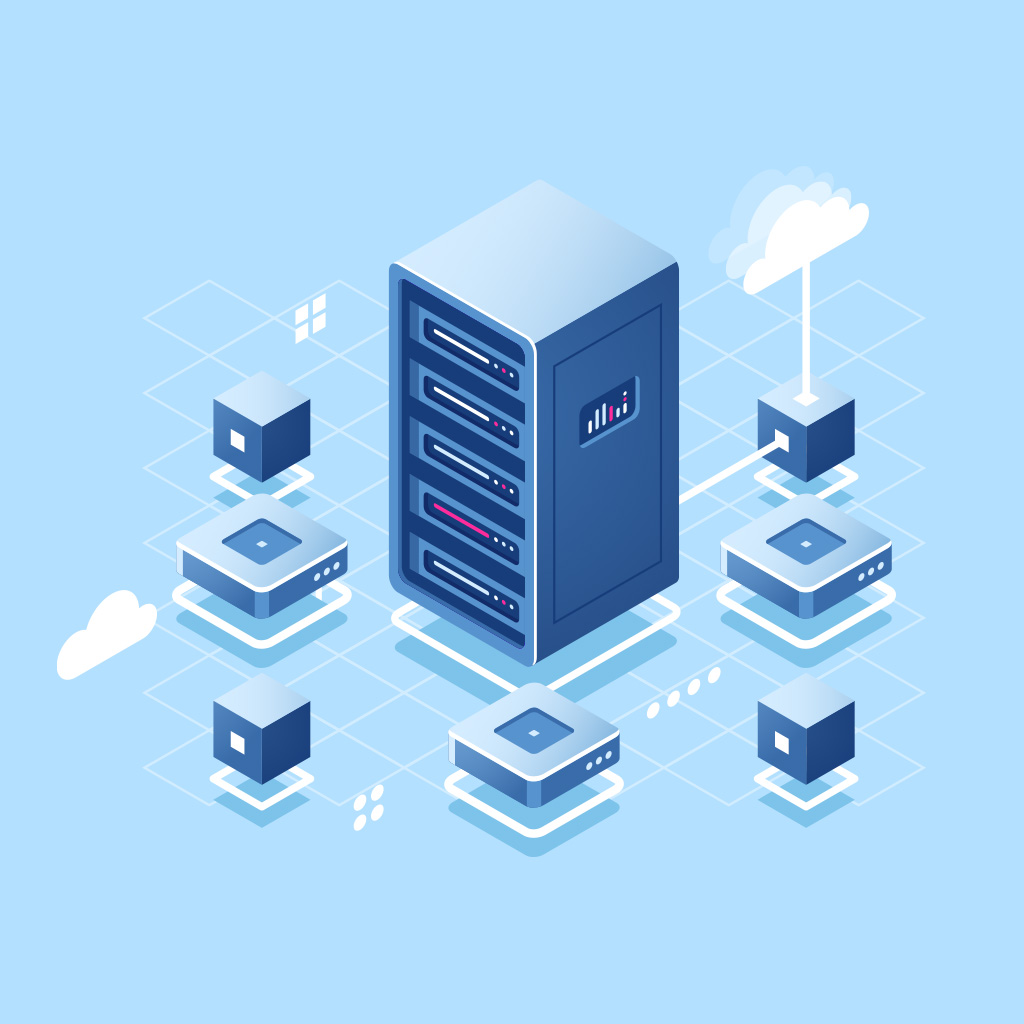
Run on-premise access control through customer-managed infrastructure, helping maintain day-to-day access operations even when external connectivity is limited or unavailable.
Tailored Security Policies
Configure role-based access, schedules, zones, temporary permissions, and other access rules to align security with your organization’s operational, compliance, and risk requirements.
Cyber-Hardened Protection
Protect access data and system communications with AES, TLS, and TDE, alongside assurance and compliance measures including SOC 2 Type II, ISO standards, GDPR, and VAPT.
Seamless Multi-System Integration
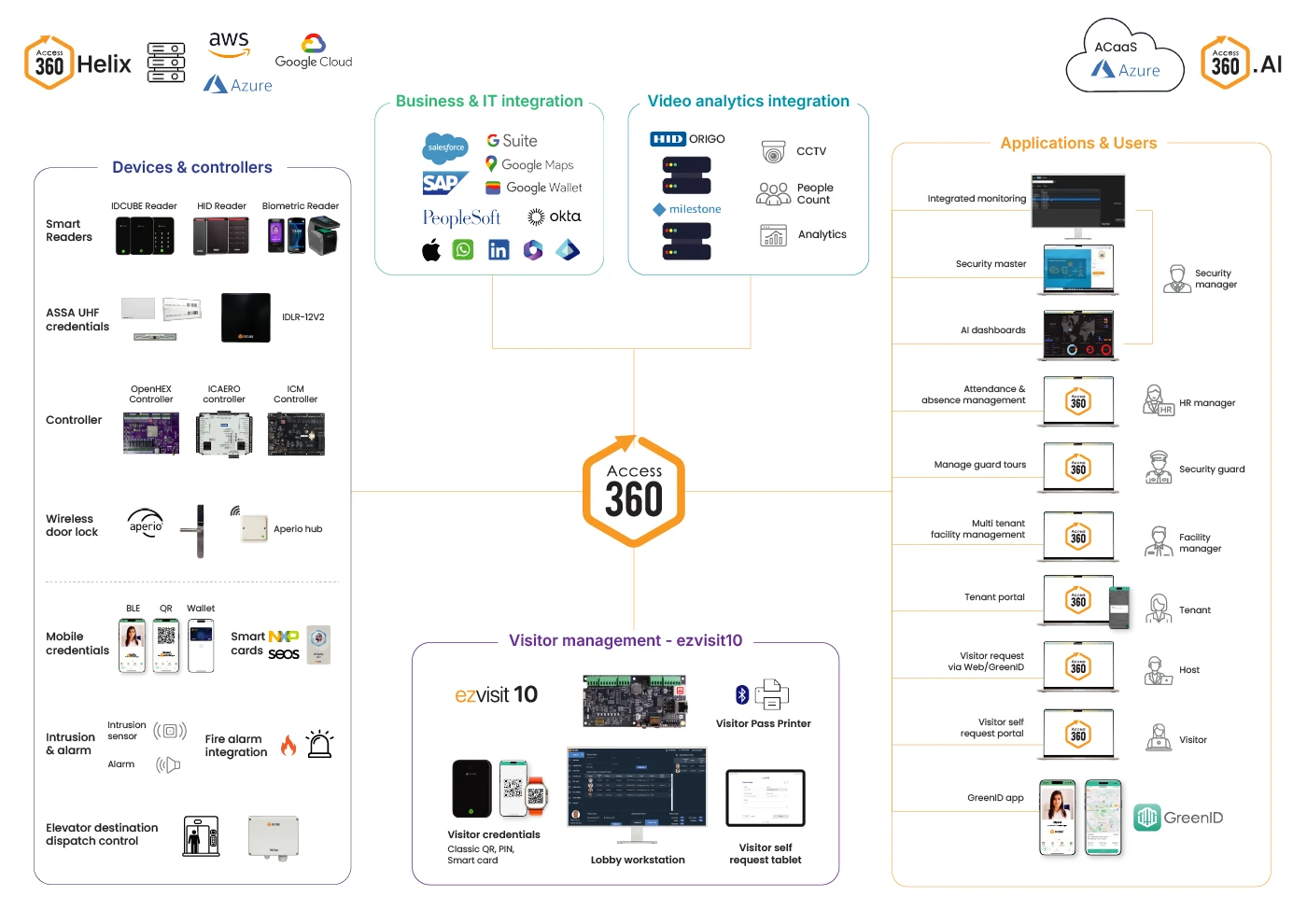
Extend your on-premise access control solution from one facility to a distributed enterprise while managing users, credentials, devices, policies, and security operations centrally.
| Capability | Typical on-prem | Access360 Helix |
|---|---|---|
| Deployment flexibility | Typically centered on traditional local server deployment | Supports on-premise access control and private cloud deployment options |
| Application architecture | Conventional server-based application architecture | Modern containerized application architecture for flexible enterprise deployment |
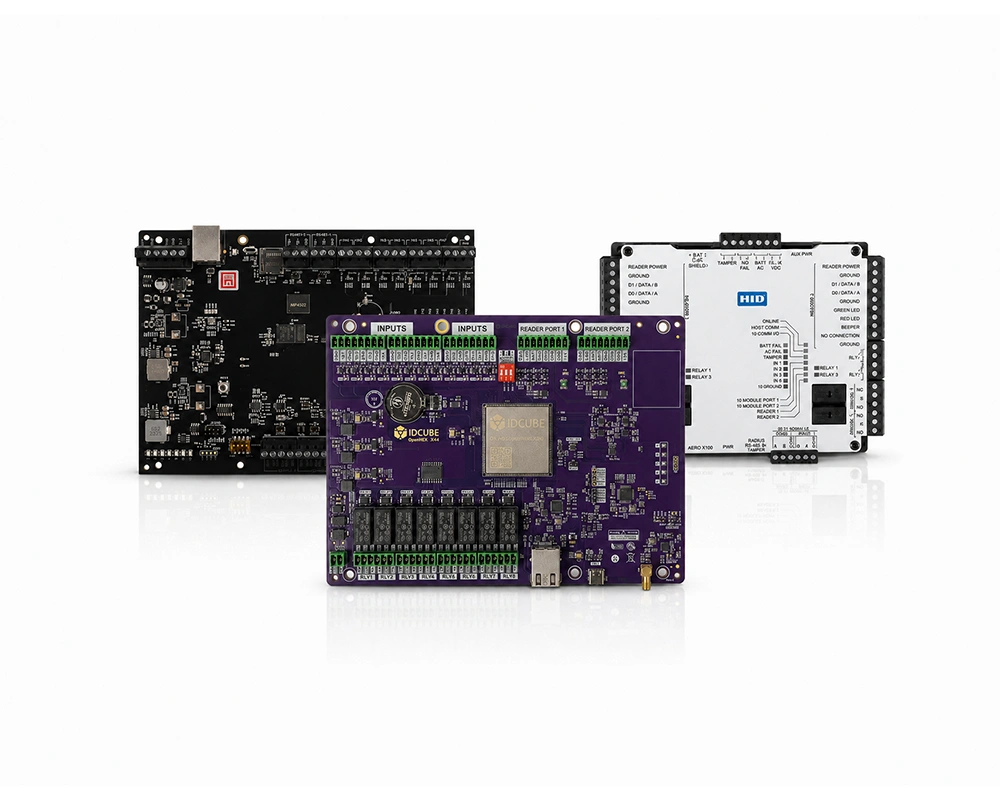
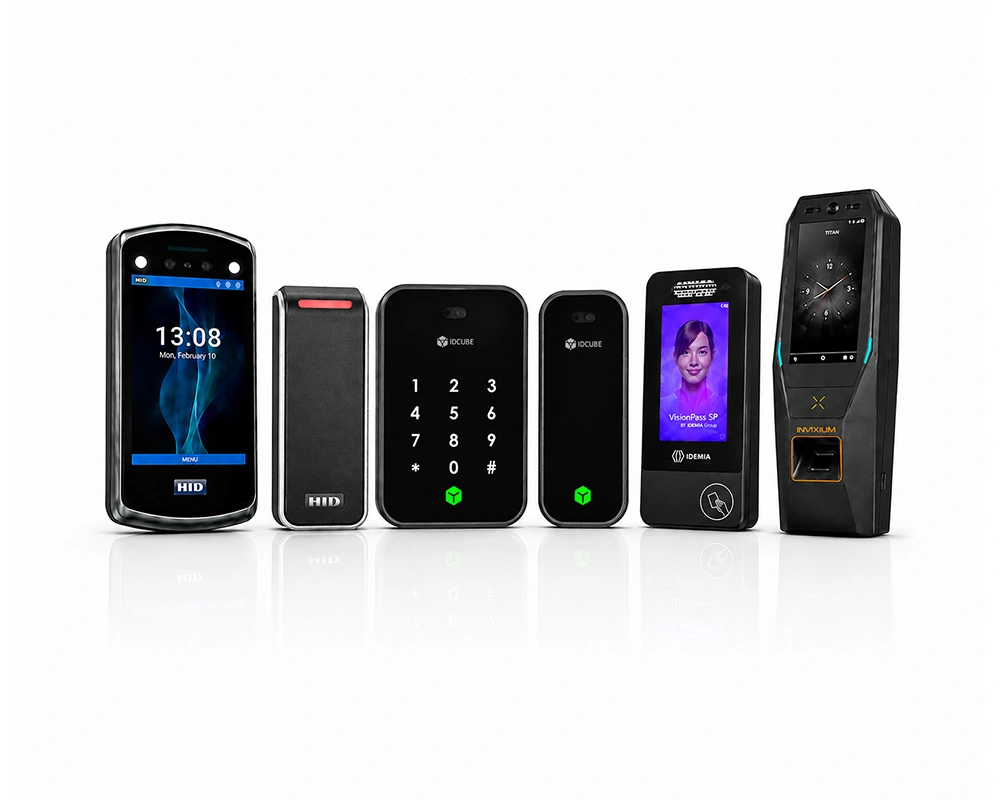
| Hardware ecosystem | Often limited to selected controller ecosystems | Supports Mercury, AERO, and leading biometric device ecosystems |
| Enterprise integrations | Often connected through separate or isolated systems | Integrates access control with VMS, HRMS, ERP, SSO, BMS/PSIM, and other supported systems |
| Centralized management | Security administration may remain distributed across systems | Centrally manages users, credentials, devices, policies, and multiple facilities |
| Security intelligence | Primarily focused on events, alarms, and reports | Extends access data into analytics, risk insights, and operational intelligence through AInsights |
| Infrastructure modernization | Modernization may require wider hardware replacement | Open architecture helps retain compatible infrastructure while introducing newer technologies |
Keep credentials, logs, databases, and configurations within your organization’s environment, giving security and IT teams direct control over core access information.
Keep essential access functions on customer-managed infrastructure and reduce dependence on external connectivity across headquarters, campuses, data centers, and critical facilities.
Apply role-based access, schedules, zones, and temporary permissions while allowing different facilities to follow their own operating and security requirements.
Protect physical access data and system communications with AES, TLS, and TDE within the enterprise security environment.
Integrate supported video management, intrusion, fire, HRMS, ERP, visitor management, and other systems for better coordination across security operations.
Retain compatible controllers, readers, biometric devices, and enterprise integrations where practical, helping control unnecessary replacement during enterprise modernization.

Learn how our solutions, expertise, and capabilities can support your business in the US market. Download our brochure to explore more.
Overview Al Barakah Holding operates some of the region’s largest workforce accommodation facilities, managing high-density residential environments where access…
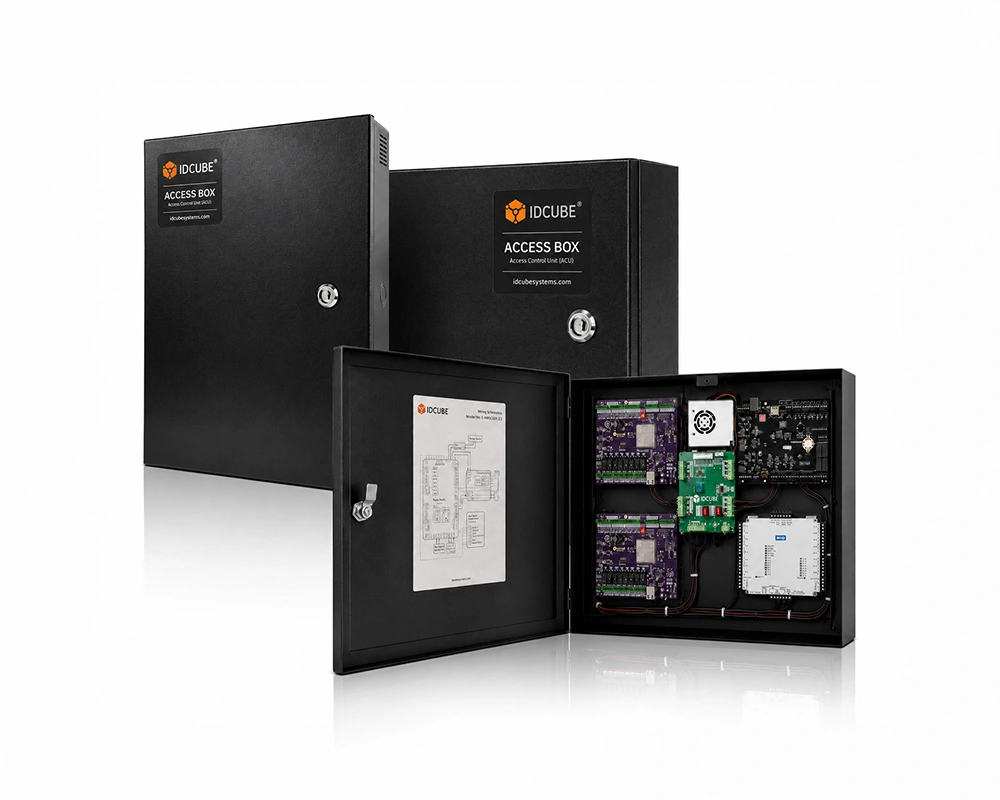
An on-premise access control system is deployed on local servers within the organization’s infrastructure, allowing enterprises to maintain direct ownership and management of access data.
An organization must consider on-premise access control when it wants direct control over access infrastructure, databases, system configurations, and administration. Existing hardware, internal IT policies, business continuity needs, and security requirements can also influence the deployment choice.
Start with more than software features. Review existing controllers and readers, integration requirements, multi-site administration, access policies, reporting needs, infrastructure ownership, and modernization plans. These factors help determine whether an on premise access control USA deployment fits the organization’s operating model.
Yes. Access360 Helix can run within customer-controlled local infrastructure or supported private-cloud environments. This gives organizations flexibility to align deployment with internal IT, security, and operational requirements.
Core access data, credentials, logs, databases, and system configurations can remain within the organization’s controlled environment. Security and IT teams therefore retain greater control over how the system is hosted, administered, and governed.
Yes, where compatible. Access360 Helix supports Mercury, AERO, VertX, EDGE, and leading biometric device ecosystems. Specific device, firmware, and version compatibility should be confirmed during solution design.
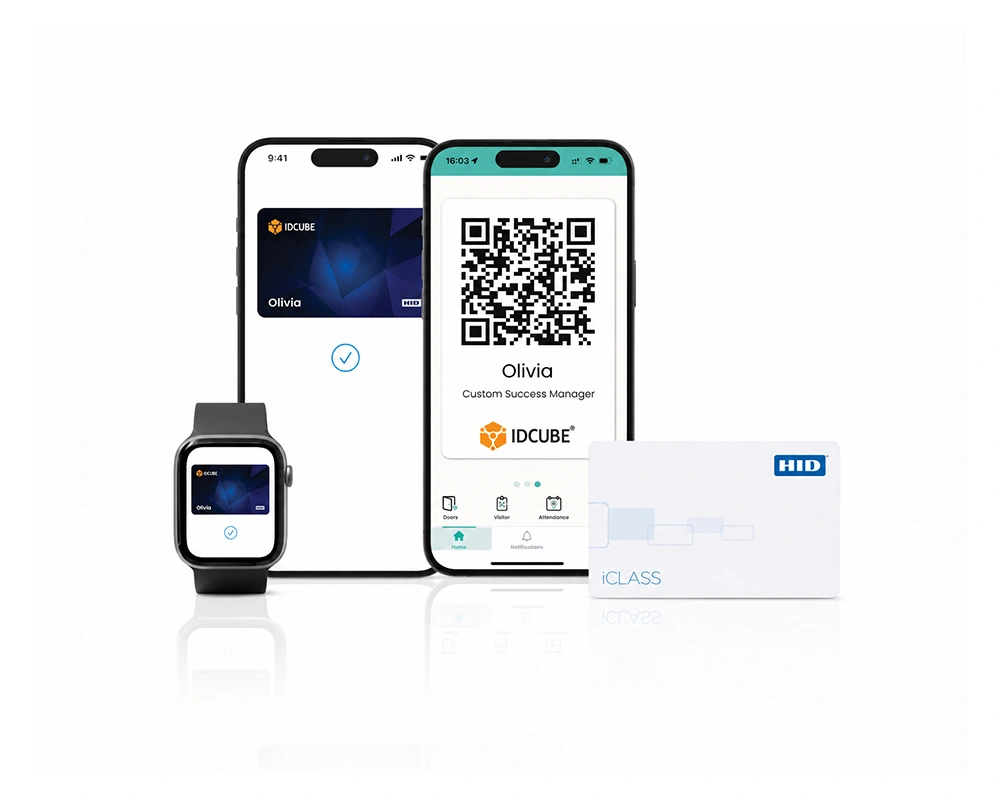
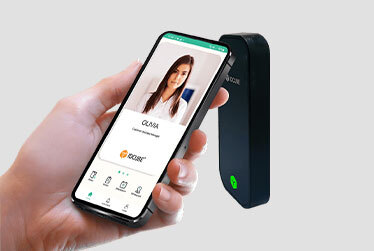
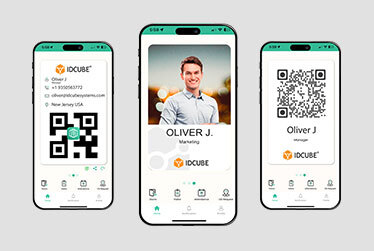
Yes. The on premise Access360 Helix supports smart cards, biometrics, and mobile credentials including Dynamic QR codes, Apple Wallet, Google Wallet, and BLE, simplifying identity management across all facilities.
Yes. Supported integration categories include video management, intrusion, fire safety, HRMS, ERP, SSO, BMS/PSIM, ANPR, intercom, elevators, and other supported systems. Specific integrations should be confirmed for each deployment.
On premise Access360 Helix supports AES, TLS, and TDE for protecting access data and system communications. These controls form part of the approved security measures for the platform.
Yes, It can be. Access360 Helix uses an open architecture that supports compatible access hardware and enterprise systems. This can help organizations modernize an existing on premise access control system without assuming that every compatible device must be replaced.
Maintain direct control over core access infrastructure while creating a security environment that can adapt across facilities, users, devices, and enterprise systems.
Fill out the form below to download the file
Error: Contact form not found.

Fill out the form below to download the brochure
Error: Contact form not found.