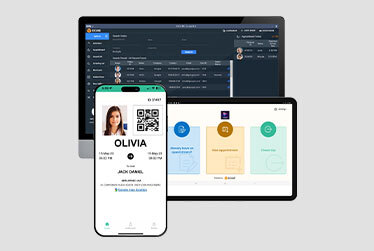
Access control solution designed for smarter spaces

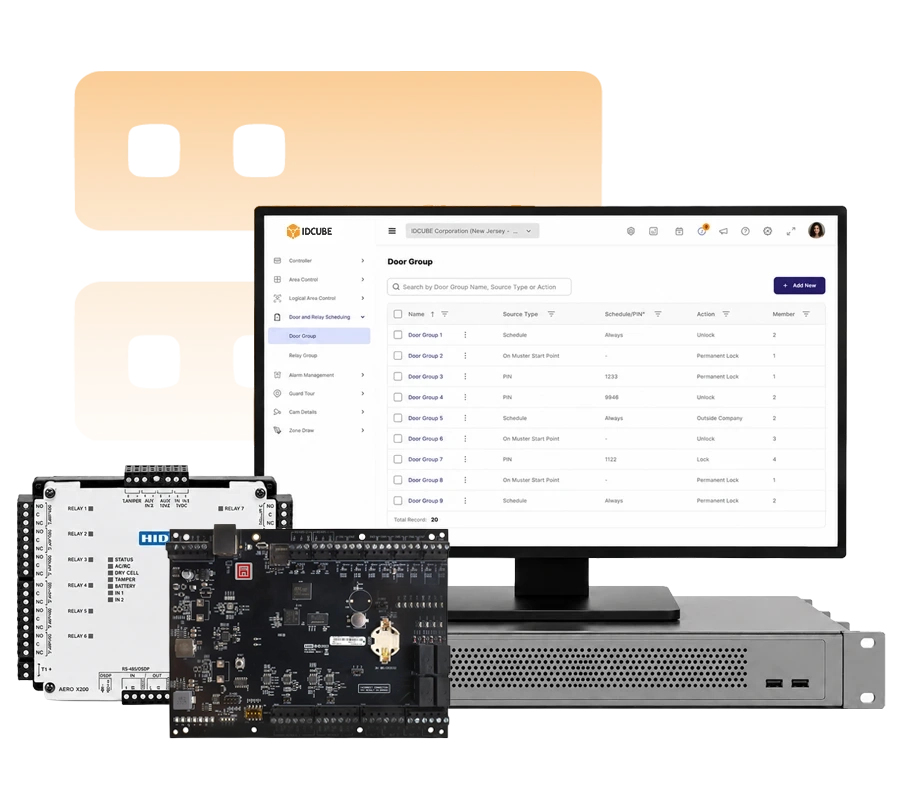
Strengthen security and simplify everyday access with access master. Manage entry permissions, monitor activity, and coordinate security responses through one access control solution.

Trusted by 1000+ organisations worldwide

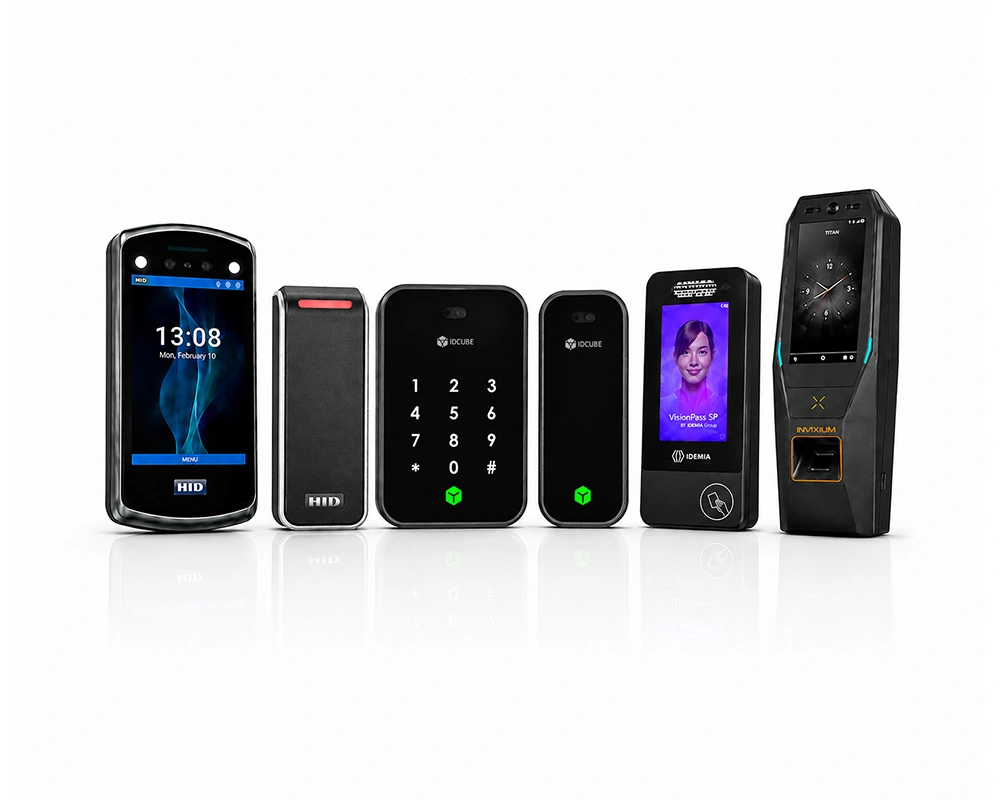
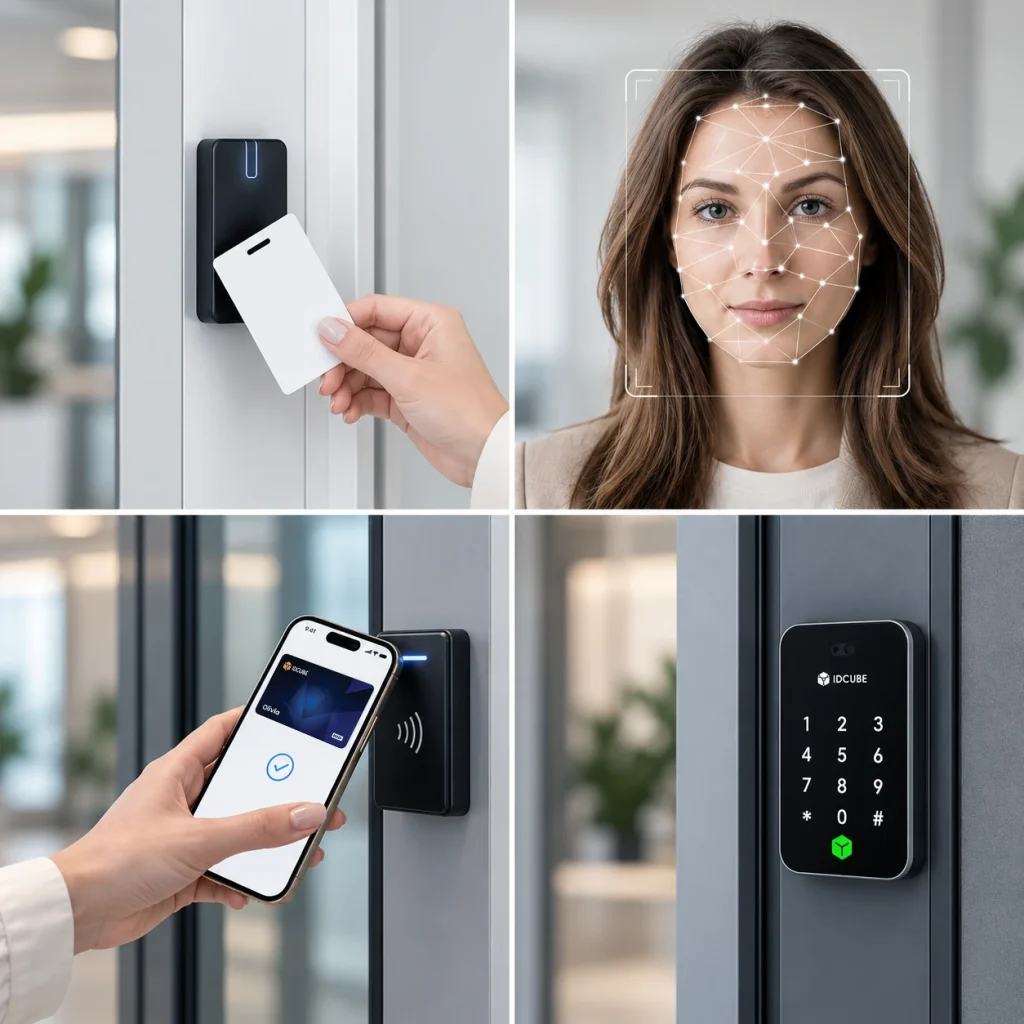
Protecting your organization starts with controlling access to its spaces. Employees, contractors, and visitors need appropriate permissions, while sensitive areas require tighter restrictions. Access Master, IDCUBE’s access control solution, helps you manage these requirements centrally. Define who can enter each area and when, across doors, gates, entrance barriers, and elevator floors. Offer convenient entry with cards, biometrics, PINs, and mobile credentials through compatible readers and services, while maintaining your facility’s access policies.

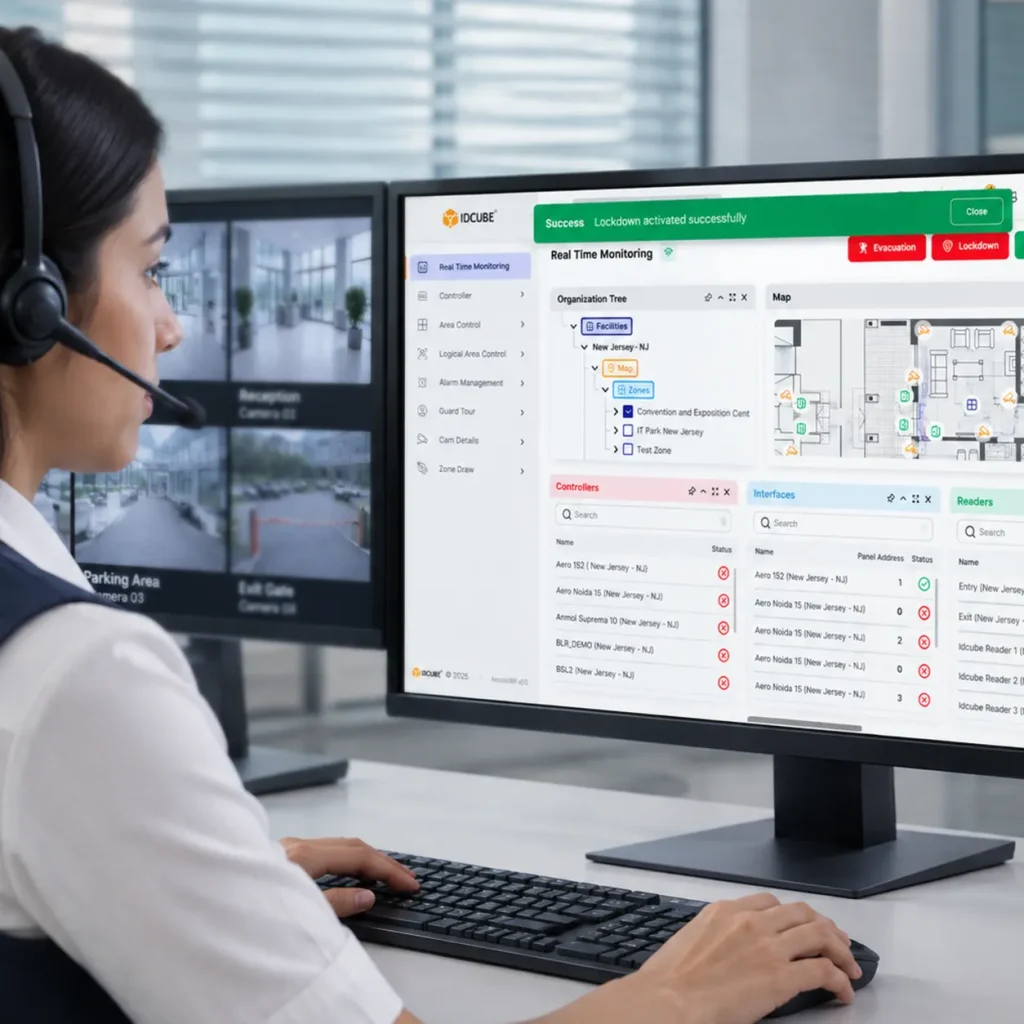
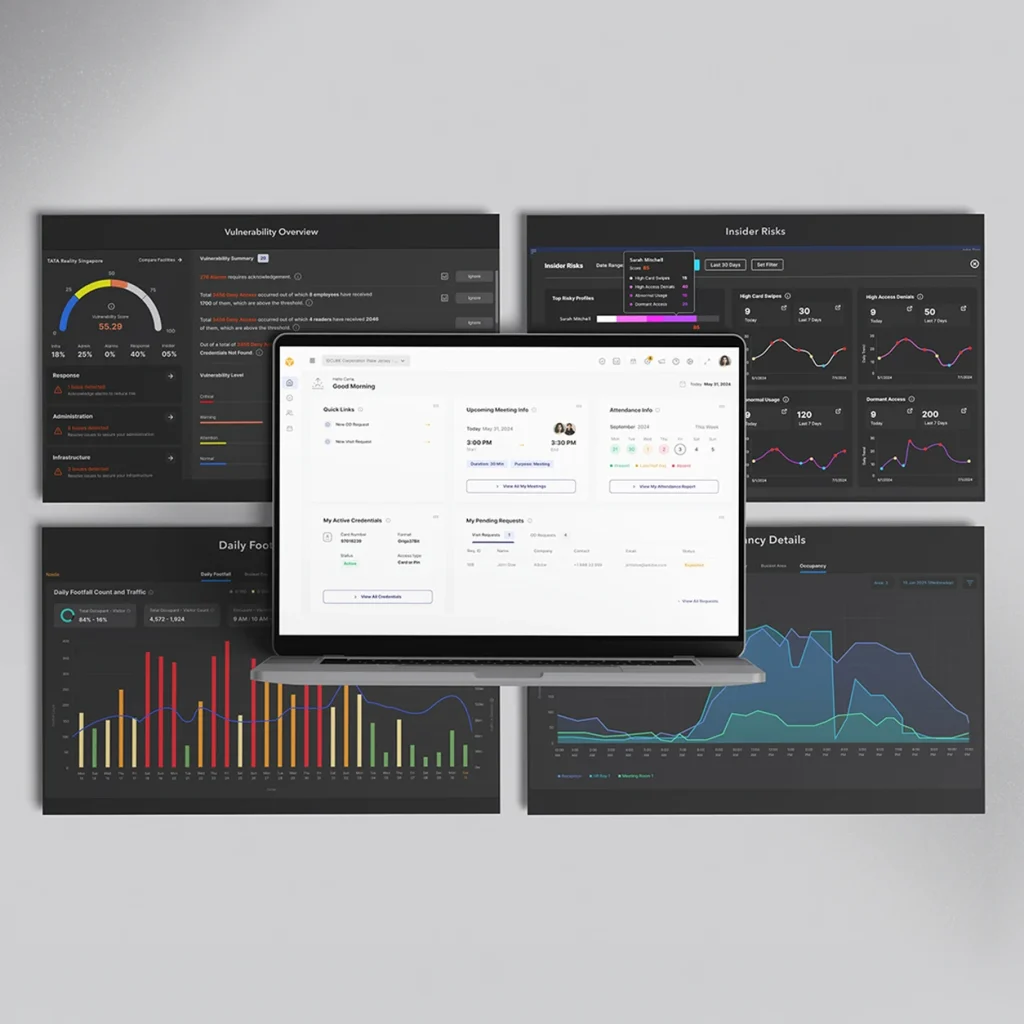
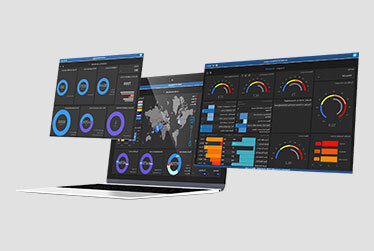
Beyond door access control, access master gives security teams a consolidated view of access events, door status, and alarms. Teams can assess incidents and coordinate configured actions for lockdowns and fire evacuations. Access reports and operator audit trails provide records for investigations and internal reviews, helping your organization maintain oversight and accountability across facilities.

Why choose access control solution

Move beyond rudimentary systems

Go beyond basic entry. Apply anti-passback, door interlocking, occupancy controls, and elevator permissions through supported hardware and configurations.

Overcome limited credential support

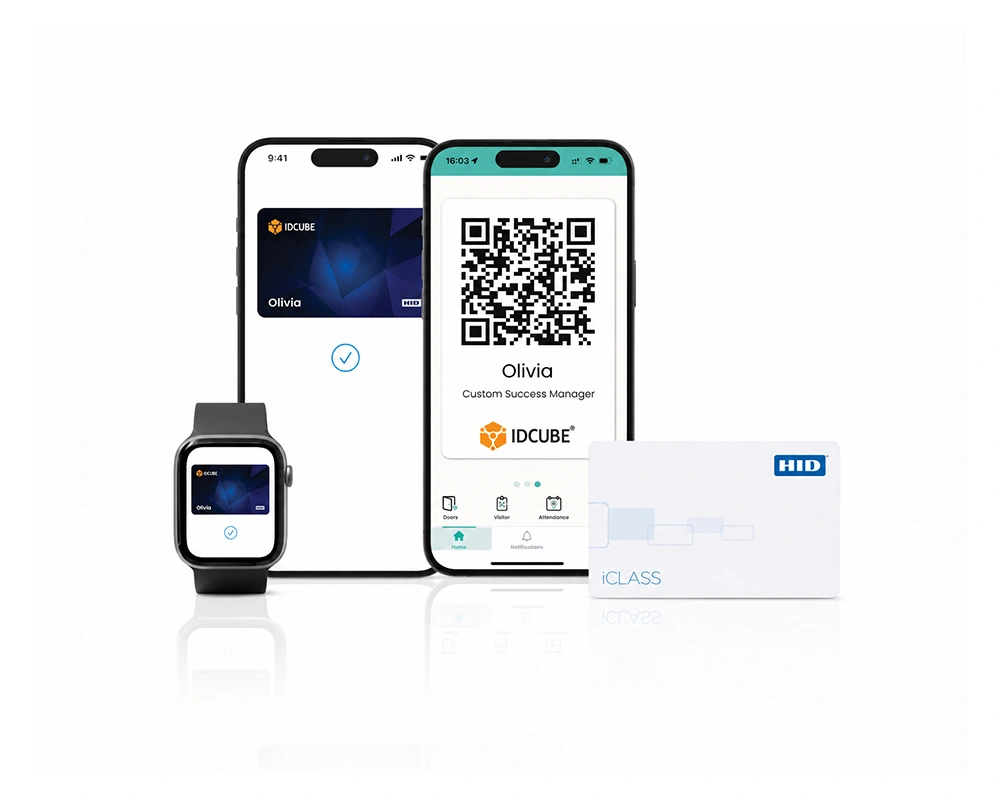
Expand your entry options. Support cards, biometrics, PINs, and mobile credentials through compatible readers and credential services.

Reduce resource-intensive administration

Simplify routine setup. Reuse access groups, configure schedules, and automatically assign default access permissions to newly added employees.

Simplify fragmented access operations

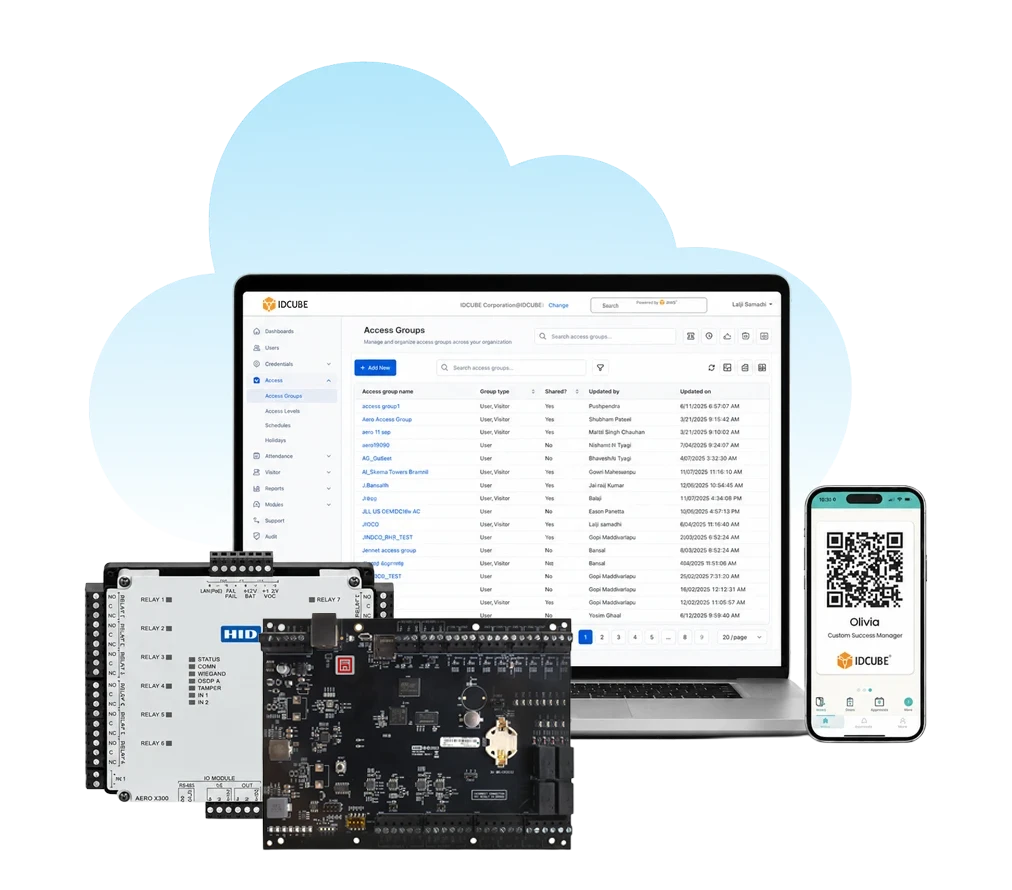
Bring operations together. Manage access control permissions, monitor door status, and review alarms across facilities through a centralized interface.

Reduce proprietary system constraints

Broaden your technology choices. Connect supported controllers and readers, with integrations for HRMS, ERP, and video surveillance systems.
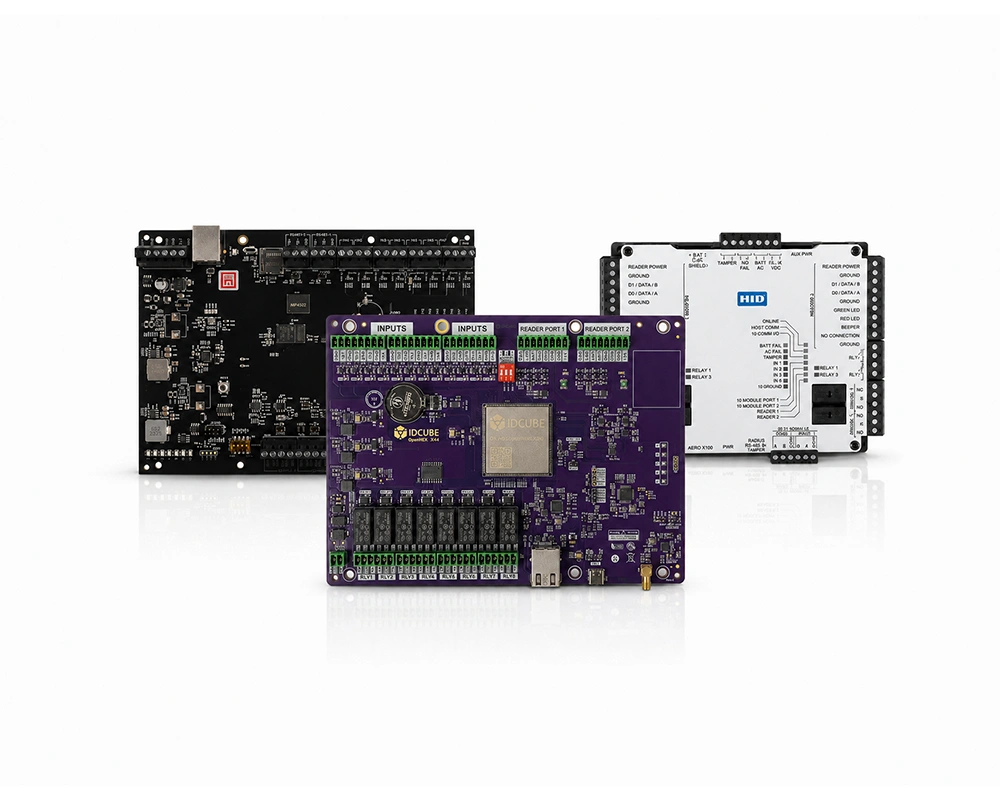
Your all-in-one access control ecosystem

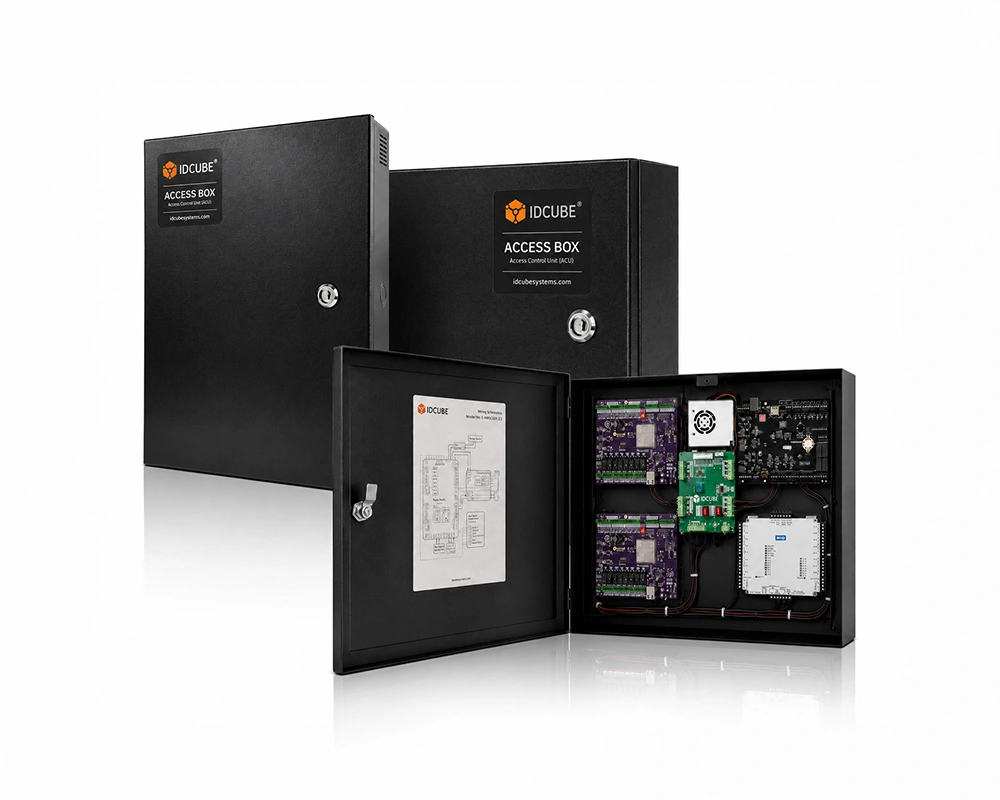
Bring access master software, compatible controllers, readers, credentials, and locking hardware together for coordinated control across your facilities.

Secure
Credentials

Secure Credentials

Enclosures &
Access Boxes

Access Control Enclosures

Unified access control deployment

Choose how you deploy access master, with cloud, on-premises, and private cloud options aligned with your infrastructure and data requirements.
Deploy Access Master through Access360.AI for cloud-hosted access management with provider-managed maintenance.

  • Subscription-based cloud service
  • Automatic updates and backups
  • No on-site application server
  • 99.9% platform uptime
  • Reduced server maintenance workload

Know more about Access360.AI Software

Deploy Access Master through Access360 Helix within your organization’s infrastructure or a supported private cloud environment.

  • On-premises or private-cloud deployment
  • Customer-controlled infrastructure
  • Control over access data and logs
  • Windows and Linux compatibility
  • Alignment with internal IT governance

Know more about Access360 Helix Software

Access Master comparison

Compare basic standalone access control solution with access master’s centralized approach to permissions, monitoring, and coordinated security responses.

Capability Basic standalone access control Access Master
Permission management Permissions are configured locally, with changes often repeated at individual doors. Manage permissions centrally using reusable access groups, schedules, and default permissions for new employees.
Multi-site administration Unconnected installations require separate administration. Manage connected facilities centrally, with shared access groups for assigned users across branches.
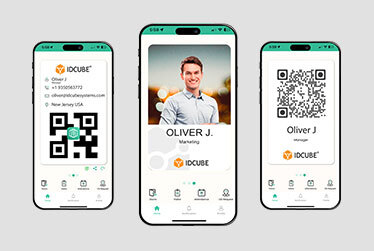
Credential flexibility Credential options depend on the selected standalone device. Manage access using cards, biometrics, PINs, mobile credentials, and dynamic QR codes through compatible readers and services.
Access rules Local authorization and available time restrictions govern entry. Apply scheduled permissions, anti-passback, occupancy controls, and door interlocking through supported hardware and configurations.
Monitoring and audit records Unconnected devices do not provide a live, consolidated monitoring interface. Recording capabilities vary by device. Bring access events, door status, and alarms into one interface, with access reports and operator audit trails.
Emergency coordination Emergency release depends on local hardware and configured connections. Coordinate configured door actions and alarm activations across connected access points during lockdowns and fire evacuations.
Business and security integrations Connecting standalone devices to wider workflows requires compatible interfaces and additional systems. Support configured integrations with compatible HRMS, ERP, video surveillance, and other security systems.
Deployment choice Local door control operates without a centrally hosted management application. Choose cloud deployment through Access360.AI, or on-premises and supported private cloud deployment through Access360 Helix.
Comparison applies to basic, non-networked standalone solution. Available capabilities vary by product, hardware, software, integrations, and configuration.

Need help choosing the right access control solution?

Share your requirements to explore an access master access control solution for your facilities.

    IDCUBE access control benefits

    Cyber-fortified

    Cyber fortified

    Fortify customer trust and ensure uninterrupted business flow through rigorous cybersecurity adherence

    Cost-effective-and-ROI-focused

    Cost effective

    Cut access management costs by 70% while strengthening security and improving efficiency

    Operate-from-anywhere

    Operate from anywhere!

    Improve accessibility and efficiency with our secure cloud solution for the evolving hybrid workspace

    Reduce-carbon-footprint

    Reduce carbon footprint

    Go paperless and plastic-free to shape a brand that supports a greener future

    Frictionlessaccess

    Frictionless access

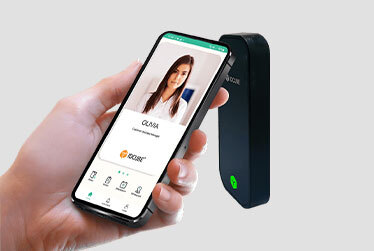
    Optimize operations through virtual credentials that offer secure and convenient access

    Futureproof

    Future proof

    Secure lasting value with trusted identity technology that supports informed, future-ready decisions

    Certifications & compliance

    Features

    advanced access control
    diverse access control credentials
    elevator access control
    dynamic reporting and insights
    entrance door access control

    Discover access master with us

    Review access master capabilities, supported access workflows, credential options, integrations, and deployment possibilities in this brochure.

    Proven in the real world

    How IDCUBE Centralised Access Control for Al Barakah Holding

    Trusted by top leading industries

    Customer reviews and recognition

    G2
    What do you like best about Access360? Its intuitive and user-friendly interface combined with its comprehensive feature set. The clear separation between security configurations and HRMS-driven workflows makes administration well organized. What do you dislike about Access360? The platform is easy to use overall, but some of the advanced settings can take a little time to understand for new users. Adding more guided tutorials and in-app help would make the experience even better. Recommendations to others considering Access360: I would recommend Access360 to any organization looking for an easy-to-use access management solution. It combines access control, visitor management, identity management in one platform, attendance management making daily operations simpler. What problems is Access360 solving and how is that benefiting you? Access360 has helped streamline our physical access control and identity management processes by providing a centralized platform for managing users, credentials, visitors, and access policies along with Attendance Management systems.
    Verified User in Information Technology and Services
    Information Technology
    ★ ★ ★ ★
    G2
    What do you like best about Access360? One platform Hrview software Nice platform to work What do you dislike about Access360? Sone time it will take the time to up due to technical issues Recommendations to others considering Access360: It is very vast software What problems is Access360 solving and how is that benefiting you? Arrange the best in time product service support
    Kiran M.
    Security Manager
    ★ ★ ★ ★ ★
    Frequently asked questions

    An access control system checks a person’s credentials against assigned permissions to determine whether entry is allowed. Access Master lets administrators define who can enter specific doors or areas and at what times. Supported controllers enforce configured access rules, while recorded events help security teams monitor and review activity.

    Access control solution by IDCUBE Systems lets administrators configure permissions for employees, visitors, contractors, tenants, and vehicles. Access groups combine reader groups with access schedules to define permitted entry points and timings. Time codes, time zones, holidays, and holiday groups help teams apply working-hour and holiday rules without configuring every user’s door permission separately.

    Cards, biometrics, PINs, mobile credentials, and dynamic QR codes can support door access control, depending on compatible readers and credential services. Access Master links supported credentials to assigned access permissions. Available authentication methods depend on the selected hardware, integrations, and deployment configuration.

    IDCUBE’s Access Master is available through Access360.AI for cloud deployment and Access360 Helix for on-premises deployment. The choice depends on your organization’s hosting requirements, IT resources, and operational policies. Some configuration options differ between deployments and should be checked against the required access workflows.

    Centrally managed access control solution help authorized teams administer permissions across connected facilities. Access Master by IDCUBE supports shared access groups for cross-branch access. Access360.AI lets administrators select which branches receive a shared group. In Helix, enabling a shared access group makes it visible to all associated branches for user assignment.

    Access Master supports anti-passback, multi-man rules, occupancy management, and multi-door interlocking to strengthen access control security. These controls govern credential-use sequences, multi-person authorization, occupancy, and coordinated door operation. Their behavior depends on the configured rules and supported hardware. For example, hard multi-man rules require all defined roles to authenticate before entry is granted.

    A door access control solution can include elevator floor permissions through supported controllers and elevator interfaces. Access Master solution of IDCUBE uses elevator groups to define permitted floors for assignment through access groups. Compatible Mercury and Aero configurations also support time zones for individual floors or a common time zone across selected floors.

    Authorized operators can initiate lockdown, emergency evacuation, and reset-to-normal commands for a selected branch or door action group. IDCUBE’s Access Master also provides area counts and location records based on configured movement tracking. These records support emergency assessment, with accuracy dependent on captured entry and exit activity.

    Integrated access control solutions can connect identity and physical security workflows across supported systems. Access Master supports integrations with systems such as HRMS, ERP, video surveillance, and building management. Available data exchange and operator actions vary by integration, so compatibility and required workflows should be confirmed for the proposed deployment.

    Connect with our team