








Digital Wallet Credentials for Access Control
Walk into a modern office, and you’ll notice that many employees barely reach for their wallets anymore. They use their phones to pay for coffee, board flights, and store important passes. Yet at work, many still carry a plastic card just to get through the door.
That is beginning to change.
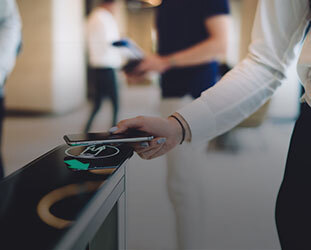
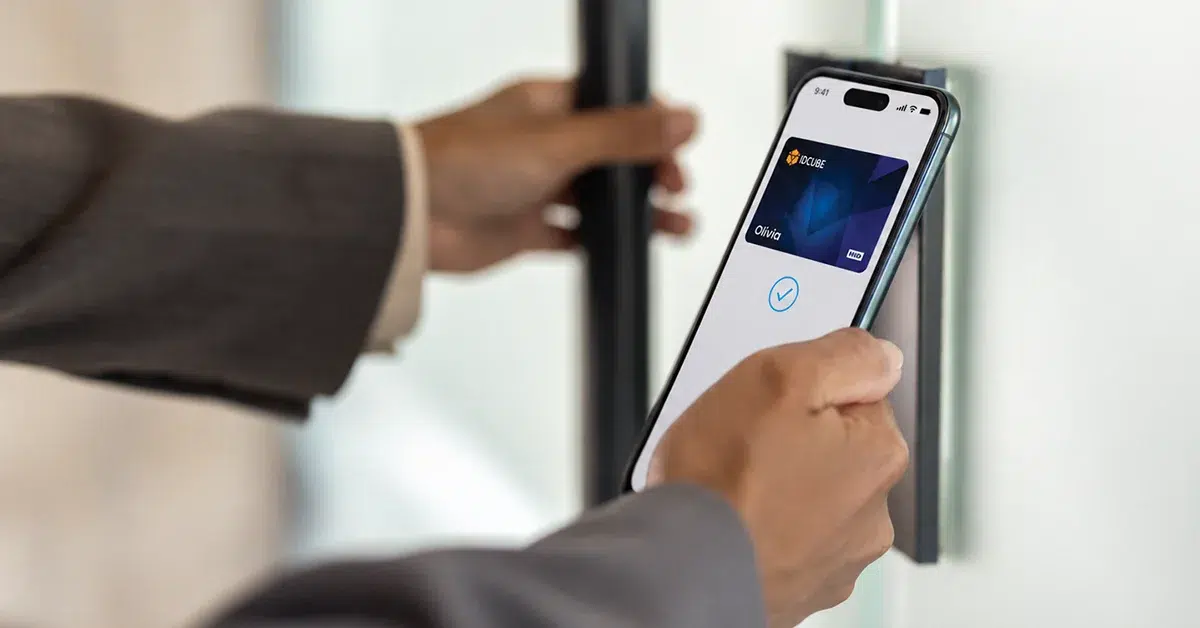
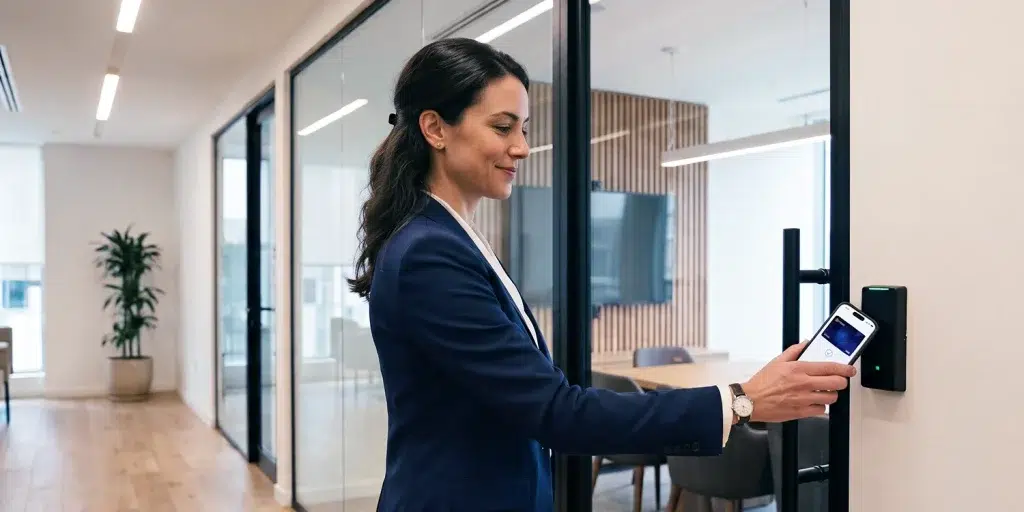
With digital wallet credentials, employees can use their iPhone, Apple Watch, or compatible Android device to enter authorized areas. Their access badge sits in Apple Wallet or Google Wallet, ready to use at a supported reader.
The experience is simple, but introducing wallet credentials across a workplace takes some planning. Readers need to recognize them, employees need a reliable way to activate them, and security teams must remain in control of access permissions.
What are digital wallet credentials for access control?
A digital wallet credential is an electronic access badge issued by an organization and stored on a supported smartphone or smartwatch. It isn’t simply a picture of an ID card saved to a phone. The credential uses Near Field Communication (NFC) to exchange information with a compatible access reader.
From there, the building’s Physical Access Control System (PACS) checks whether access is permitted.
Say an employee works on the fifth floor of a shared office building. Their digital credential gives them access to the main entrance, elevators, and their company’s workspace. The same credential won’t open another tenant’s office or a restricted equipment room.
Nothing changes about who is allowed through each door. The employee simply uses a phone instead of a card.
How do Apple Wallet and Google Wallet credentials work?
Apple Wallet and Google Wallet both support NFC-based employee credentials. The everyday experience is similar, although enrollment and device requirements differ.
Apple Wallet employee badges
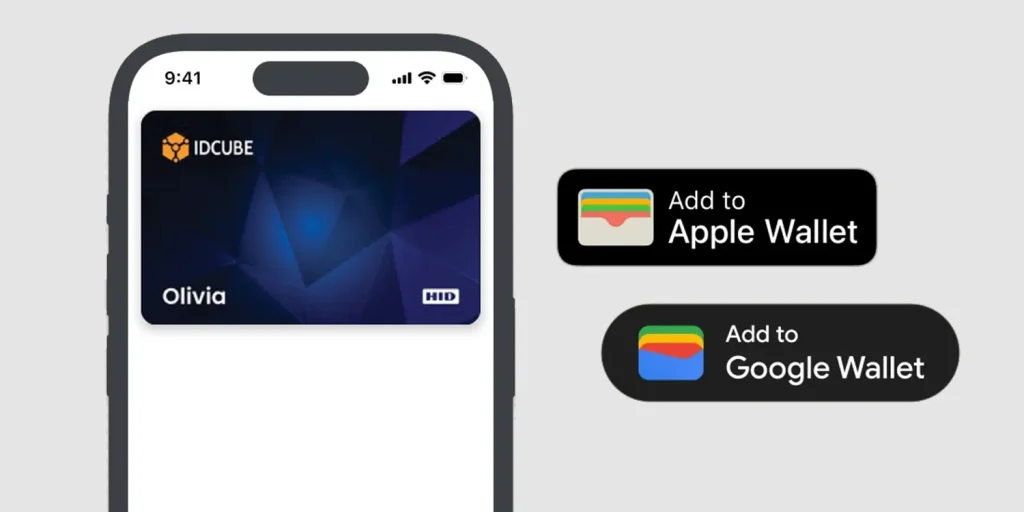
With Apple Wallet access control, employees can add their workplace badge to a compatible iPhone or Apple Watch.
The employer first needs a supported credential solution. Employees then sign in through the approved application, complete the required enrolment steps, and select Add to Apple Wallet. Once the badge is activated, they hold their device near a compatible reader to enter.
Apple’s Express Mode is particularly convenient for everyday access. Employees don’t have to unlock their phone or open an application each time they approach a reader.
Where supported, non-Express operation requires device authentication, such as Face ID, Touch ID, or a passcode.
Google Wallet corporate badges
Google Wallet works in much the same way for compatible Android smartphones and Wear OS watches.
Employees usually begin through their employer’s supported application or website. After signing in, they select Add to Google Wallet and follow the setup instructions.
Google generally requires Android 9 or later, NFC functionality, and a compatible Wallet configuration for corporate badges. Once enrolled, employees hold their device near a supported reader. Depending on the settings, they might need to wake or unlock their phone before using the credential. Google Wallet corporate badges can also be used for services such as parking and office printing when the organization supports those functions.
There’s something important to understand about both platforms. An ordinary digital pass isn’t automatically an access credential. The badge needs to be issued through a participating provider, and the readers must support the relevant technology.
Digital wallets and mobile access apps: What’s the difference?
Phones have been used for building access for years. Many organizations already use mobile applications that communicate with readers through Bluetooth Low Energy (BLE), NFC, or QR codes.
Wallet credentials take a different approach. Instead of using a separate application for routine entry, employees present credentials stored in their phone’s native wallet.
| Feature | Digital wallet credentials | App-based mobile credentials |
|---|---|---|
| Credential storage | Apple Wallet or Google Wallet | Supported mobile app |
| Access method | NFC | BLE, NFC, or QR code |
| Everyday use | Hold device near reader | Depends on app and technology |
| Reader requirement | Wallet-compatible NFC reader | Reader supporting selected technology |
| Device support | Compatible wallet devices | Devices supported by the app |
One approach doesn’t automatically replace the other.
An office with working BLE readers might prefer to keep its existing mobile access application. A company upgrading older readers might decide to introduce Apple Wallet and Google Wallet credentials at the same time.
It depends on the building, its users, and the hardware already installed.
How secure are digital wallet credentials?
Security teams often raise the same concerns when considering phone-based access. What happens if someone steals the phone? Is the credential easy to copy? And is a simple tap enough for highly restricted areas? The answers depend on the technology and how the access control system is configured.
Credential protection
Apple Wallet employee badges use the Secure Element, a dedicated security component designed to protect credential information.
Google Wallet corporate badges also use supported secure credential technologies.
This offers advantages over some older RFID cards that rely on weaker security mechanisms. However, modern encrypted smart cards also provide strong protection. A phone isn’t automatically more secure simply because it’s newer. The credential, reader, controller, and access policies all matter.
Access permissions for different areas
Not every door needs the same level of security.
An office lobby might allow employees to use their wallet credentials through Express Mode. A server room or research laboratory might require an additional PIN or biometric verification.
Those extra checks need to be supported by the reader and PACS configuration. Wallet credentials alone don’t provide multi-factor authentication at every door.
Lost phones and revoked credentials
If an employee loses an iPhone, Apple’s Lost Mode can suspend eligible Wallet credentials. Android users can remotely secure supported lost devices.
The employer must also revoke the affected workplace credential through its access management system.
One question security teams need to test is how quickly revocation takes effect. In a connected environment, updated permissions can reach controllers promptly. An offline controller, however, might continue using previously stored information until communication is restored.
This is why revocation procedures should be tested during deployment, particularly for high-security areas.
Do existing access control readers need to be replaced?
Not always.
Some installed readers may support digital wallet credentials through a firmware update, compatible licensing, or configuration changes. Others will need replacing.
Before buying new hardware, organizations should check what their current readers and controllers support.
A sensible starting point is a pilot at a few selected entrances. Employees can test enrollment and everyday access while the security team checks reader performance, device compatibility, and any support issues.
Once the pilot works reliably, the rollout can expand to more doors and locations. Multi-technology mobile access control readers are useful during this transition. They allow organizations to continue using approved physical cards alongside supported mobile credentials.
One caution: an NFC-enabled reader isn’t necessarily compatible with Apple Wallet or Google Wallet. That needs to be confirmed with the hardware manufacturer and credential provider.
The budget should cover more than readers. Credential licenses, integrations, employee onboarding, and ongoing support all contribute to deployment costs. Savings from reduced card printing and replacement should also be considered.
What about privacy and employees using personal phones?
Using a personal phone for workplace entry raises reasonable privacy concerns.
Employees want to know what information their employer can access. Security teams need to explain how credentials and access records are managed.
A wallet credential doesn’t automatically give an employer access to personal photographs, messages, or browsing history. However, related mobile applications and workplace systems may collect additional information depending on their settings and permissions.
Organizations adopting a Bring Your Own Device (BYOD) approach need clear policies covering enrollment, lost devices, access records, data retention, and credential removal when employees leave.
There’s also the matter of choice.
Some employees don’t have compatible devices. Others simply prefer not to use their personal phones for work.
IDCUBE GreenID: Digital wallet access with centralized management
Moving from physical cards to wallet credentials is easier when the new credentials work with the existing access control environment.
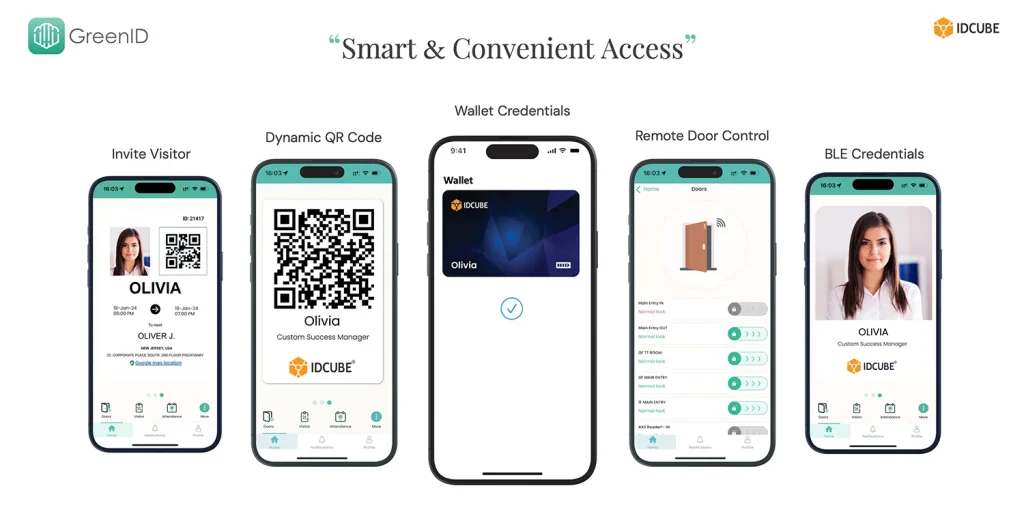
IDCUBE GreenID supports Apple Wallet and Google Wallet credentials, allowing authorized employees to use compatible smartphones for workplace entry. GreenID integrates with IDCUBE Access360, which manages employee identities and access permissions across authorized facilities and areas.
Consider a company with offices in several cities. Most employees work at one location, but some regularly travel between branches. Their access permissions can be managed through Access360, while GreenID provides supported mobile credential options for entering those facilities.
GreenID isn’t limited to wallet credentials. It also supports BLE mobile credentials, dynamic QR codes, digital ID badges, visitor e-passes, and mobile attendance workflows.
That gives organizations flexibility when different locations have different reader technologies or when employees use different devices. A company doesn’t need to move everyone to digital wallets on the same day. It can introduce wallet credentials gradually while keeping other approved access methods in place.
Explore IDCUBE GreenID to learn more about digital wallet and mobile access control solutions.
Frequently asked questions
Do digital wallet credentials work without internet access?
Yes, in supported setups. Once a credential is provisioned, NFC access can work without an active mobile internet connection. The reader and access control infrastructure still need to be configured to process it.
What happens if my phone battery dies?
Supported iPhones have a feature called Power Reserve. It allows certain Express Mode credentials to work for up to five hours after the device needs charging. This depends on the model and credential. Employees should still have an alternative way to enter.
Can I use an Apple Watch for office access?
Yes. Compatible Apple Watches support eligible employee badges in Apple Wallet. The workplace must have readers that support the credential.
What happens when I get a new phone?
The employee typically needs to transfer or reissue the workplace credential through the organization’s supported process. The exact steps depend on the wallet platform and credential provider.
Do I need special mobile access control readers?
The readers must support the wallet credential technology being used. Some existing readers may already be compatible, while others require upgrades or replacement. NFC compatibility alone isn’t enough.
A more convenient way to enter the workplace
For employees, digital wallet credentials remove the need to carry another card. They arrive at work, tap their phone, and enter.
The change is less straightforward for the teams managing the building. Readers must be compatible, permissions need to be maintained, and credentials must be easy to issue and revoke.
A well-planned rollout takes care of those details without disrupting everyday access.
After all, the purpose of a workplace credential hasn’t changed. It still needs to let the right person through the right door. Digital wallets simply offer another way to make that happen.